
Power & Connectivity (SIM)
Connectivity may vary by region and season.
Voltage & Plug Types
Electrical standards and outlet shapes
Hong Kong uses 220 volts at 50 hertz with the British-style three-pin Type G plug, the same as the UK. You will occasionally see Type D or M in older buildings. Bring a UK-style adapter, and note that single-voltage 110-120V devices need a converter. Most phone and laptop chargers are dual-voltage, so an adapter alone is usually enough.
- Voltage
- 220V / 50Hz
- Plug type
- Type G (UK)
- Bring
- UK-style adapter
- Type D/M appear occasionally in older buildings
- Single-voltage 110-120V devices need a converter
Buying a SIM Card
Where to buy, costs, and activation process
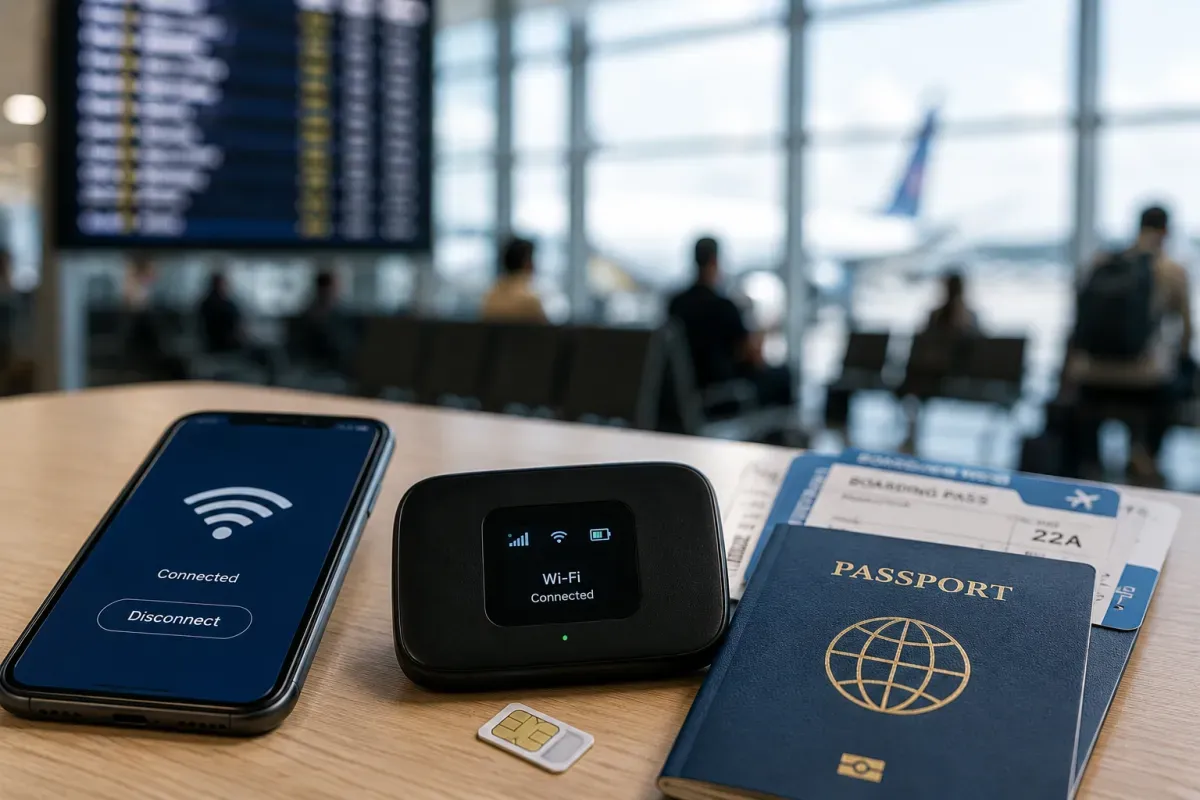
Prepaid tourist SIMs are cheap and easy in Hong Kong. Main networks include CSL/1010, 3 (Three), SmarTone and China Mobile HK, and you can buy SIMs at the airport, convenience stores like 7-Eleven, and phone shops. Many are ready-to-use with generous data and often include roaming for Macao or the mainland. Coverage is excellent across the territory.
- Networks
- CSL, 3, SmarTone
- Buy at
- Airport, 7-Eleven
- Coverage
- Excellent
- Convenience-store SIMs are cheap and easy
- Some include Macao or mainland roaming
eSIM & Mobile Wi-Fi
eSIM availability and portable Wi-Fi rental
If your phone supports eSIM, a travel eSIM is the easiest way to get online in Hong Kong — buy a Hong Kong or Asia plan online before you fly and activate it on arrival, with no shop visit or SIM swap. Providers like Airalo, Holafly and Nomad are popular, and local carriers offer eSIMs too. Some Asia plans conveniently cover Macao and the mainland as well.
- Best for
- eSIM phones
- Buy
- Online before flying
- Providers
- Airalo, Holafly, Nomad
- Activate on arrival with no physical SIM swap
- Some Asia plans also cover Macao and the mainland
Wi-Fi Availability
Public Wi-Fi coverage and security
Free public Wi-Fi is widespread. The government "Wi-Fi.HK" scheme offers hotspots at libraries, parks, MTR stations and public venues, and hotels, malls, cafes and restaurants generally provide free Wi-Fi. Connections are usually fast and reliable. Use a VPN on open networks for sensitive tasks, as with public Wi-Fi anywhere.
- Public Wi-Fi
- Widespread
- Scheme
- Wi-Fi.HK
- Speed
- Fast, reliable
- Hotels, malls and cafes usually offer free Wi-Fi
- Use a VPN on open networks for sensitive tasks
Internet Restrictions & VPN
Blocked services and VPN recommendations
Hong Kong has an open internet, unlike mainland China, so Google, WhatsApp, Instagram, YouTube and most global services work normally. If you cross into the mainland, expect the mainland firewall to block many of these — a roaming or eSIM plan tied to a Hong Kong network usually keeps them working. Some content is legally sensitive under the national security law.
- Internet
- Open
- Works
- Google, WhatsApp
- Mainland
- Firewall differs
- Unlike the mainland, global apps work normally
- Some content is legally sensitive under the security law
Useful Local Apps
Must-have apps for transport, translation, and maps
Handy apps include MTR Mobile and HKeMobility for public transport and route planning, the Octopus app for topping up and paying, and Google Maps or Citymapper for getting around. WhatsApp is the main messaging app locally. Uber works alongside taxis, and OpenRice is popular for finding restaurants.
- Transport
- MTR Mobile, HKeMobility
- Pay
- Octopus app
- Food/chat
- OpenRice, WhatsApp
- Google Maps and Citymapper both work well
- Uber works alongside licensed taxis
International Calls
How to make international calls and alternatives
Hong Kong's country code is +852 and local numbers are 8 digits with no area codes. To call abroad, dial 001 or use an app. Most people use WhatsApp for calls and messages, so data is often more useful than voice minutes. The single emergency number is 999.
- Country code
- +852
- Numbers
- 8 digits
- Emergency
- 999
- WhatsApp is widely used for calls and messages
- No area codes; numbers are 8 digits