Power & Connectivity (SIM)
Connectivity may vary by region and season.
Voltage & Plug Types
Electrical standards and outlet shapes
Korea uses 220V at 60Hz with round two-pin outlets (Type C and F). Bring an adapter; US/UK/Australia devices need one.
- Voltage
- 220V, 60Hz
- Plug types
- Type C and Type F (two round pins)
- Adapter
- Needed for US/UK/AU plugs
- Hotels can often lend or sell a travel adapter
Buying a SIM Card
Where to buy, costs, and activation process
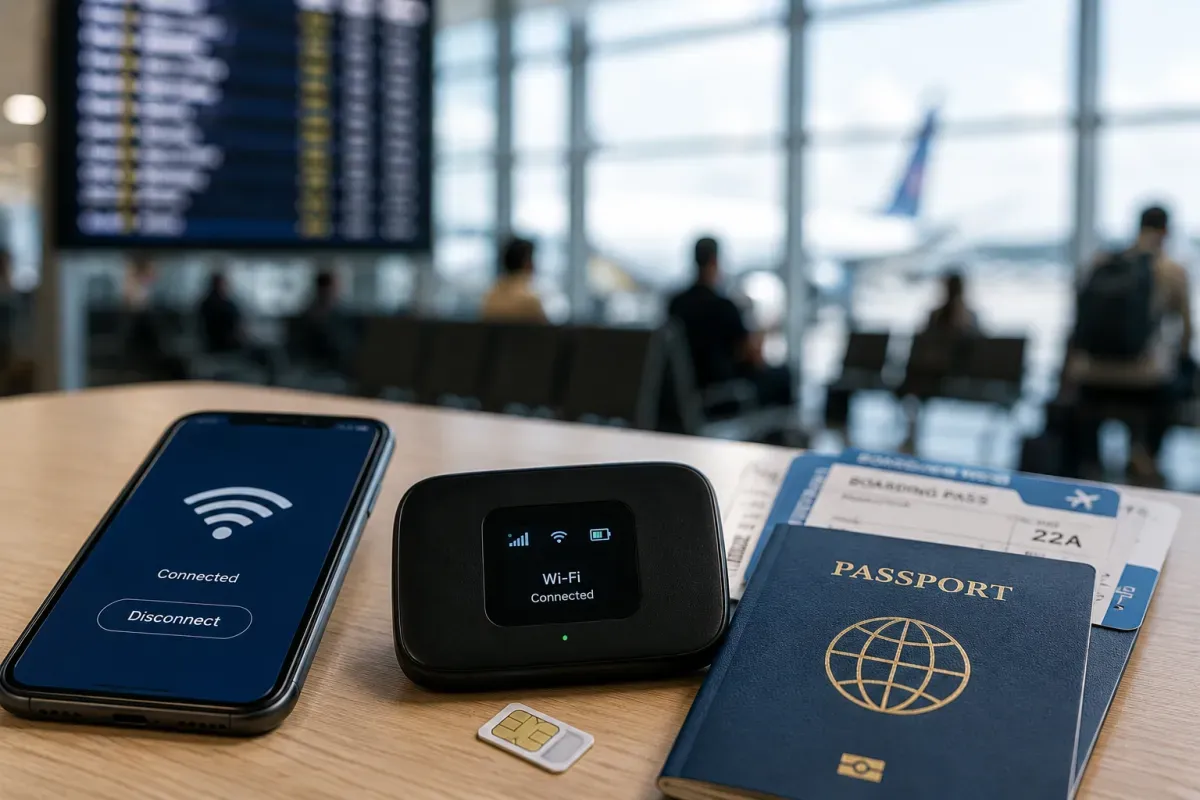
Prepaid tourist SIMs are easy to buy at Incheon/Gimpo airports and in the city. Bring your passport to register.
- Where
- Airport counters, convenience stores, carrier shops
- Carriers
- SK Telecom, KT, LG U+ (and resellers)
- ID needed
- Passport for registration
- Choose data-only or data+calls tourist plans by trip length
eSIM & Mobile Wi-Fi
eSIM availability and portable Wi-Fi rental
eSIMs are widely available for Korea and let you get online before you land. Check your phone supports eSIM first.
- Setup
- Buy online, install before arrival
- Device
- Requires an eSIM-compatible phone
- Plans
- Data-only plans are common
- Great if you want connectivity the moment you arrive
Wi-Fi Availability
Public Wi-Fi coverage and security
Korea has excellent connectivity. Free public Wi-Fi is common in cafes, stations, transport and many streets, and 5G is widespread.
- Free Wi-Fi
- Cafes, stations, subway/buses, public areas
- Speed
- Fast; 5G widely available
- Public Wi-Fi
- Look for "Public WiFi Free" networks
- Use a VPN on open networks for sensitive tasks
Internet Restrictions & VPN
Blocked services and VPN recommendations
The internet is open; global apps and sites work normally. Some adult and gambling sites are blocked under local law.
- Global apps
- Google, social media, messengers all work
- Blocked
- Certain adult/gambling sites
- VPN
- Legal to use
- No restrictions affecting ordinary tourist use
Useful Local Apps
Must-have apps for transport, translation, and maps
Since Google Maps navigation is limited in Korea, use Naver Map or KakaoMap. Kakao T is the go-to for taxis; Papago helps with translation.
- Maps
- Naver Map / KakaoMap (better than Google here)
- Taxi
- Kakao T
- Translation
- Papago
- KakaoTalk is the dominant messaging app
International Calls
How to make international calls and alternatives
Korea's country code is +82. Dial the 1330 Korea Travel Hotline for 24h multilingual help. For emergencies use 112 (police) or 119 (fire/ambulance).
- Country code
- +82 (drop the leading 0 from abroad)
- Travel hotline
- 1330 (24h, multilingual)
- Emergencies
- 112 police / 119 fire & ambulance
- Data-based calls (KakaoTalk etc.) work well on local networks