
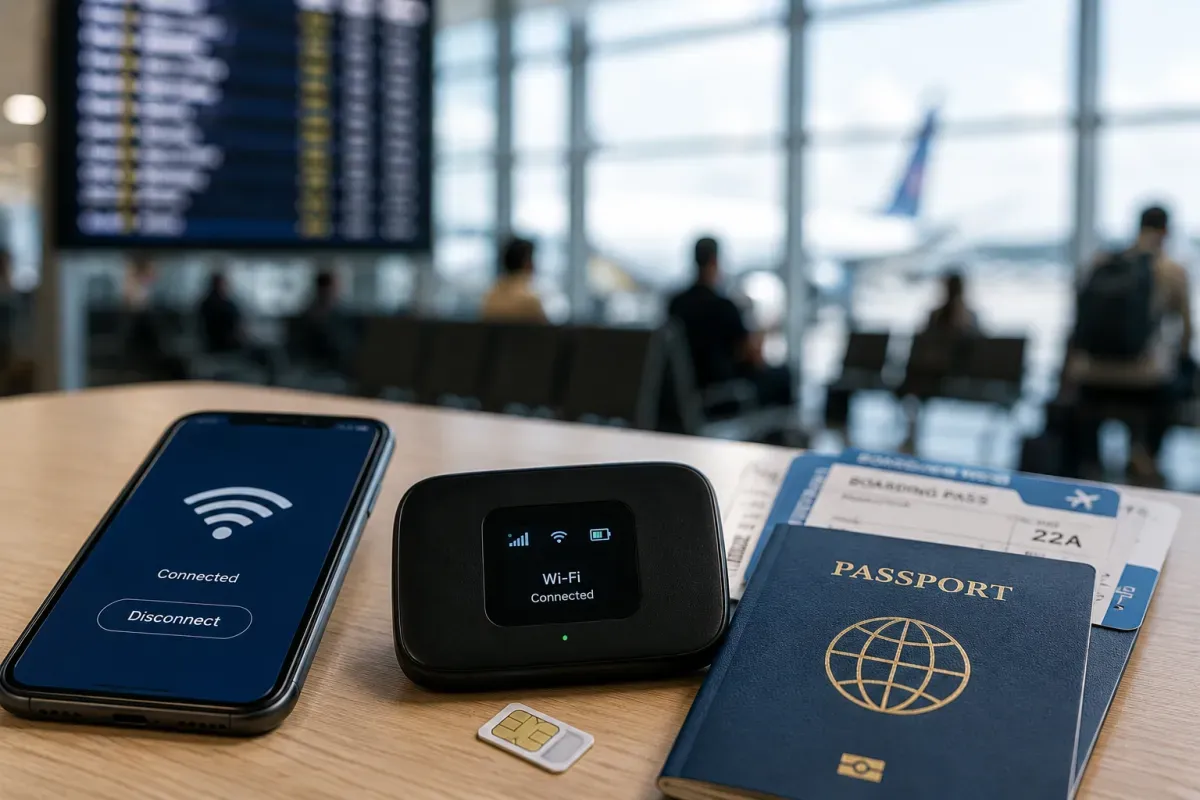
Power & Connectivity (SIM)
Connectivity may vary by region and season.
Voltage & Plug Types
Electrical standards and outlet shapes
Pakistan uses 230V / 50Hz with Type C, Type D and Type G sockets. Type C (two round pins) and Type D (three round pins) are common, while Type G (UK-style three flat pins) also appears. Bring a multi-plug adapter; travellers from 100–120V countries need a converter for devices that are not dual-voltage.
- Voltage
- 230V / 50Hz
- Sockets
- Type C, D and G
- Adapter
- Universal adapter useful
- Most phone/laptop chargers are 100–240V and fine with an adapter
- Power cuts (load shedding) can occur, so carry a power bank
Buying a SIM Card
Where to buy, costs, and activation process
The main operators are Jazz, Zong, Telenor Pakistan and Ufone. Prepaid SIMs are sold at airports and operator shops and are inexpensive. Registration usually requires your passport and may involve a passport photo and biometric (fingerprint) verification. 4G/LTE is good in cities but can be patchy in northern mountain areas.
- Operators
- Jazz, Zong, Telenor, Ufone
- Registration
- Passport, sometimes biometric
- Coverage
- Good in cities, weaker up north
- SIMs are cheap; buy at the airport or an operator shop
- Carry your passport and a photo for registration
eSIM & Mobile Wi-Fi
eSIM availability and portable Wi-Fi rental
eSIM support in Pakistan is still limited but growing, with some operators offering it in selected plans. A travel eSIM bought online before arrival can be a convenient backup, letting you get online without visiting a shop. Check that your device is eSIM-capable and unlocked.
- Availability
- Limited but expanding
- Convenience
- Buy online before arrival
- Setup
- No physical SIM
- A travel eSIM is a useful backup for arrival
- Check your phone is eSIM-capable and carrier-unlocked
Wi-Fi Availability
Public Wi-Fi coverage and security
Wi-Fi is common in hotels, cafés and restaurants in the cities, though speeds vary and connections can be less reliable in remote or northern areas. A local SIM or eSIM is handy for staying online on the go. Use a VPN on public networks for sensitive tasks like banking.
- Availability
- Hotels, cafés, restaurants
- Quality
- Varies, weaker in remote areas
- Security
- Use a VPN on public Wi-Fi
- A local SIM/eSIM helps for on-the-go essentials
- Connections can be slower outside major cities
Internet Restrictions & VPN
Blocked services and VPN recommendations
The internet is generally usable in Pakistan, but certain websites, social media platforms or content may be regulated or temporarily blocked, and access can change from time to time. Many travellers use a VPN to reach services they rely on. Check current conditions before your trip.
- Internet
- Generally usable
- Restrictions
- Some sites/apps may be blocked
- VPN
- Often used by travellers
- Access to specific services can change over time
- Check current conditions before you travel
Useful Local Apps
Must-have apps for transport, translation, and maps
Helpful apps include ride-hailing (Careem, inDrive, Yango), Google Maps for navigation, and WhatsApp, which is widely used for everyday messaging and calls. Payment and food-delivery apps are common in the cities. Download and set up key apps before you arrive.
- Rides
- Careem, inDrive, Yango
- Maps
- Google Maps
- Messaging
- WhatsApp widely used
- Set up ride-hailing and maps before arrival
- WhatsApp is common for calls and messages
International Calls
How to make international calls and alternatives
Pakistan's country code is +92. App-based calls (WhatsApp and similar) are very common and often cheaper than roaming. A local prepaid SIM makes domestic calls inexpensive. Save numbers in full +92 international format so they work from any network.
- Country code
- +92
- Calls
- App-based common
- Local SIM
- Cheap domestic calls
- Save numbers in full +92 international format
- WhatsApp calls are widely used