
Power & Connectivity (SIM)
Connectivity may vary by region and season.
Voltage & Plug Types
Electrical standards and outlet shapes
Uzbekistan uses 220V / 50Hz with Type C and Type F sockets (European round pins). Bring a Type C/F adapter; travellers from 100–120V countries need a converter for devices that are not dual-voltage.
- Voltage
- 220V / 50Hz
- Sockets
- Type C and F
- Adapter
- Type C/F needed
- Most phone/laptop chargers are 100–240V and fine with an adapter
Buying a SIM Card
Where to buy, costs, and activation process
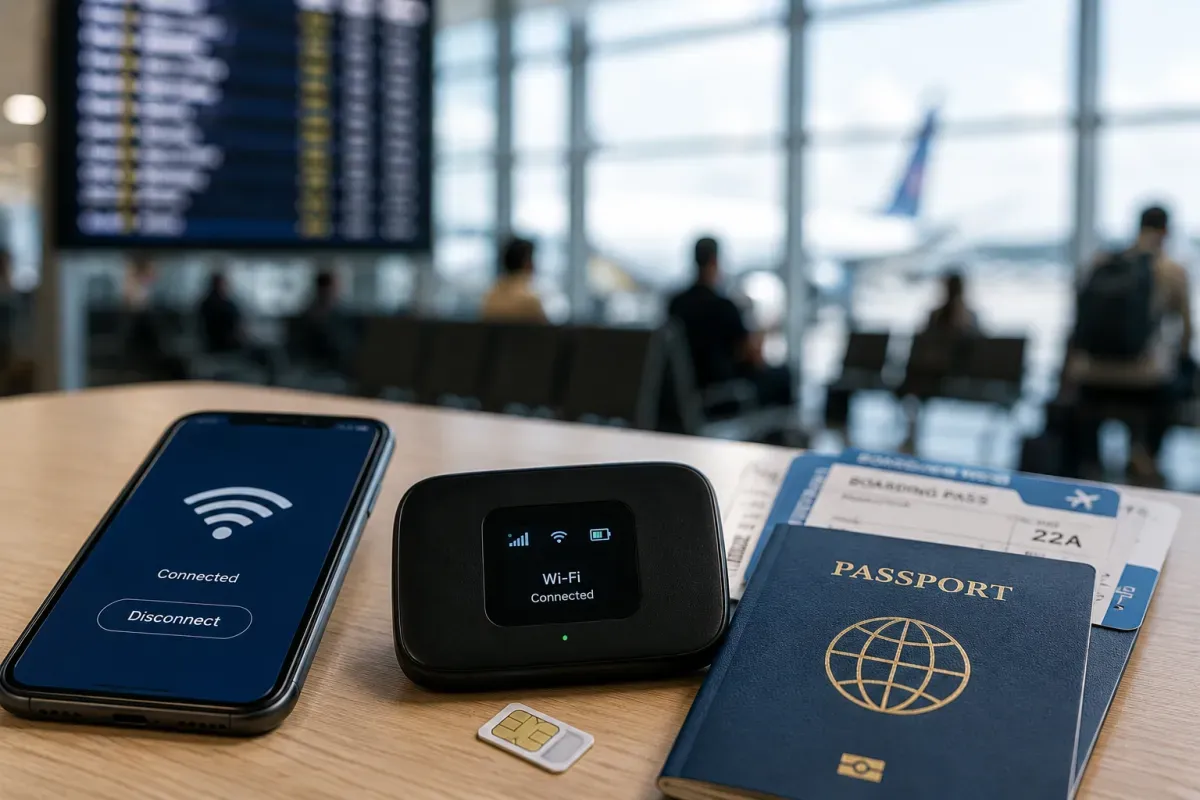
The main operators are Beeline, Ucell, Uzmobile and Mobiuz. Prepaid SIMs can be bought at shops and airports, and registration requires your passport. City 4G is good, but signal can be weak in rural areas.
- Operators
- Beeline, Ucell, Uzmobile, Mobiuz
- Where
- Shops and airports
- Registration
- Passport required
- City 4G is good; rural signal can be weak
eSIM & Mobile Wi-Fi
eSIM availability and portable Wi-Fi rental
Travel eSIMs are a convenient option: buy one online before arrival and install it in minutes, with no shop visit needed. Local eSIM offerings remain limited, so a travel eSIM or a local prepaid SIM is usually easier.
- Convenience
- Buy online before arrival
- Setup
- No physical SIM
- Local eSIM
- Still limited
- Check your phone is eSIM-capable and carrier-unlocked
Wi-Fi Availability
Public Wi-Fi coverage and security
Wi-Fi is common in hotels and cafés, while public Wi-Fi is mostly found in city centres. Speeds vary, so a SIM or eSIM helps for reliable access on the go. Use a VPN on public networks for sensitive tasks like banking.
- Availability
- Hotels and cafés
- Public Wi-Fi
- Mainly city centres
- Speed
- Varies
- A SIM/eSIM helps for reliable data on the go
Internet Restrictions & VPN
Blocked services and VPN recommendations
In the past there were reports of restrictions on some social media and messaging services, but access has generally improved in recent years. Most common apps work normally; if you rely on a specific service, it can be worth preparing a VPN just in case.
- Trend
- Improving in recent years
- Apps
- Most work normally
- Backup
- A VPN can help just in case
- Set up any VPN before you travel, if you may need one
Useful Local Apps
Must-have apps for transport, translation, and maps
Handy apps include Yandex Go for ride-hailing, Yandex Maps and 2GIS for navigation, and a translation app for Uzbek and Russian. Local payment apps like Click and Payme are widely used, but they can be hard for foreigners to set up, so carry some cash.
- Ride-hailing
- Yandex Go
- Maps
- Yandex Maps, 2GIS
- Payment
- Click/Payme (hard for foreigners)
- A translation app helps with Uzbek and Russian
International Calls
How to make international calls and alternatives
Uzbekistan's country code is +998. App-based calls (WhatsApp, Telegram and similar) are common and often the easiest way to stay in touch. Save numbers in full +998 format so they work from any network.
- Country code
- +998
- Calls
- App-based common
- Save numbers
- Full +998 format
- Save numbers in full +998 international format