旅行準備指南 · 通訊
電源・通訊・SIM
※ 通訊環境可能因地區和時期而異。
美國為120V / 60Hz,插座為Type A(兩支扁腳)與Type B(含圓形接地腳)。請備Type A/B轉接頭。220–240V專用裝置需變壓器,但多數手機與筆電充電器為雙電壓(100–240V),只需轉接頭。
- 電壓
- 120V / 60Hz
- 插座
- Type A / B
- 轉接頭
- 需Type A/B
- 220–240V專用電器需變壓器,非只轉接頭
主要電信為AT&T、T-Mobile與Verizon,另有Mint Mobile等預付與觀光SIM。預付SIM可於電信門市、電子商店或機場購買。城市收訊極佳,但偏遠地區與國家公園可能收訊不穩。
- 電信
- AT&T、T-Mobile、Verizon
- 預付
- Mint、觀光SIM
- 收訊
- 偏遠地區不穩
- 美國SIM或旅遊SIM可避免本國高漫遊費
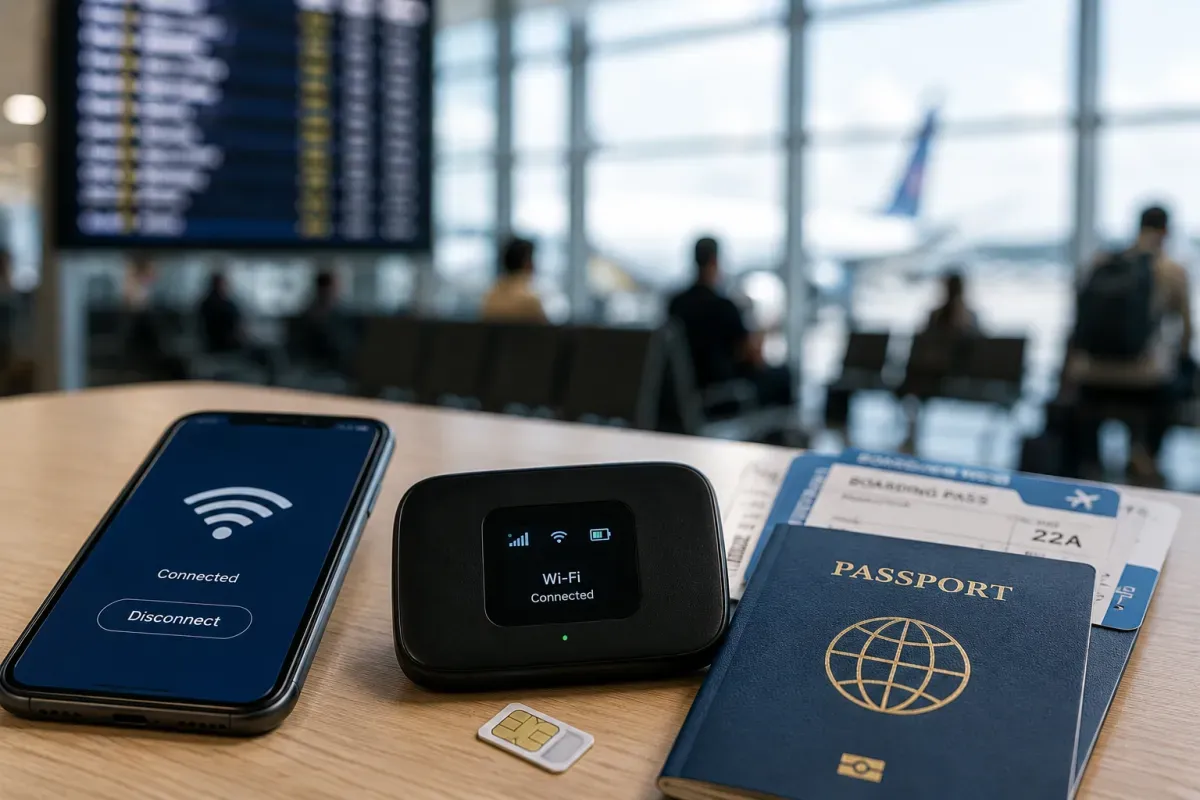
若手機支援eSIM,Airalo、Holafly與美國電信(如T-Mobile)提供美國數據方案,可於抵達前安裝。免實體SIM、免跑門市,最快速,多使用T-Mobile或AT&T的優質網路。
- 業者
- Airalo、Holafly、電信
- 涵蓋
- 全美數據
- 設定
- 抵達前安裝
- 確認手機支援eSIM且已解鎖
免費Wi-Fi在飯店、咖啡館(星巴克等)、速食連鎖、購物中心、機場與許多公共圖書館普遍可用。部分飯店收含Wi-Fi的resort fee。開放網路請用VPN,勿在未加密Wi-Fi上進行網銀。
- 常見
- 飯店、咖啡館、連鎖
- 公共
- 機場、圖書館、商場
- 安全
- 開放網路用VPN
- 移動中的地圖與叫車以SIM/eSIM較穩
美國網路開放,無一般審查—社群、通訊與影音app皆正常運作。部分串流內容依美國目錄地區限制,且越來越多州要求成人網站年齡驗證。
- 存取
- 開放、無審查
- App
- 社群/通訊皆可
- 注意
- 部分串流地區限制
- 本國串流可能切換成美國目錄
實用app:導航與交通用Google地圖或Apple地圖,叫車用Uber、Lyft,評論用Yelp與Google,大城用城市交通app(如Transit或Citymapper)。天氣app與所搭航空公司app有助於長途移動與頻繁航班。
- 導航
- Google/Apple地圖
- 叫車
- Uber、Lyft
- 評論
- Yelp、Google
- 下載航空公司app以取得登機證與改班
美國國碼為+1,號碼為3位區碼加7位數。撥打國外先撥011再加國碼。緊急為911,任何電話免費。WhatsApp等app透過Wi-Fi或行動數據打回國最便宜。
- 國碼
- +1
- 國際
- 011+國碼
- 緊急
- 911
- 美國號碼10位:3位區碼+7位