Power & Connectivity (SIM)
Connectivity may vary by region and season.
Voltage & Plug Types
Electrical standards and outlet shapes
The USA uses 120V / 60Hz with Type A (two flat pins) and Type B (with a round earth pin) sockets. Bring a Type A/B adapter. Devices made for 220–240V need a voltage converter, though most phone and laptop chargers are dual-voltage (100–240V) and only need an adapter.
- Voltage
- 120V / 60Hz
- Sockets
- Type A / B
- Adapter
- Type A/B needed
- Check 220–240V-only appliances need a converter, not just an adapter
Buying a SIM Card
Where to buy, costs, and activation process
The main networks are AT&T, T-Mobile and Verizon, with prepaid brands like Mint Mobile and tourist SIMs. Buy prepaid SIMs at carrier stores, electronics shops or airports. Coverage is excellent in cities but can be patchy in remote areas and national parks.
- Networks
- AT&T, T-Mobile, Verizon
- Prepaid
- Mint, tourist SIMs
- Coverage
- Patchy in remote areas
- A US or travel SIM avoids high home-carrier roaming fees
eSIM & Mobile Wi-Fi
eSIM availability and portable Wi-Fi rental
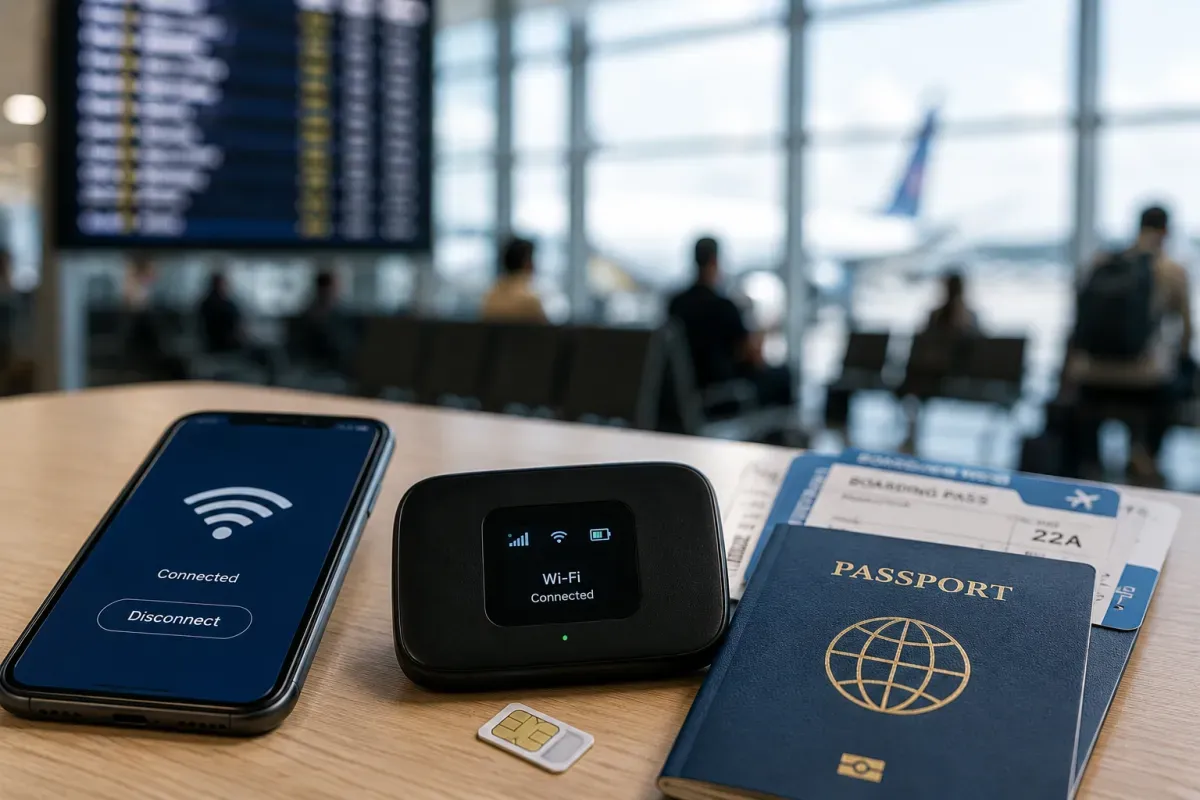
If your phone supports eSIM, providers like Airalo, Holafly and US carriers (T-Mobile, etc.) offer US data plans you can install before arrival. It is the fastest option — no physical SIM, no store visit — and often uses the strong T-Mobile or AT&T networks.
- Providers
- Airalo, Holafly, carriers
- Coverage
- USA-wide data
- Setup
- Install before arrival
- Check your phone is eSIM-capable and carrier-unlocked
Wi-Fi Availability
Public Wi-Fi coverage and security
Free Wi-Fi is widespread in hotels, cafés (Starbucks etc.), fast-food chains, malls, airports and many public libraries. Some hotels charge a resort fee that includes Wi-Fi. Use a VPN on open networks and avoid banking on unsecured Wi-Fi.
- Common
- Hotels, cafés, chains
- Public
- Airports, libraries, malls
- Security
- Use a VPN on open Wi-Fi
- A SIM/eSIM is more reliable for maps and rides on the go
Internet Restrictions & VPN
Blocked services and VPN recommendations
The USA has an open internet with no general censorship — all social media, messaging and video apps work normally. Some streaming content is geo-restricted to the US catalogue, and a growing number of states require age verification for adult sites.
- Access
- Open, no censorship
- Apps
- Social/messaging all work
- Note
- Some geo-locked streaming
- Your home streaming may switch to the US catalogue
Useful Local Apps
Must-have apps for transport, translation, and maps
Handy apps: Google Maps or Apple Maps for navigation and transit, Uber and Lyft for rides, Yelp and Google for reviews, and city transit apps (like Transit or Citymapper) in big cities. Weather apps and the airline apps for your carriers help with the long distances and frequent flights.
- Navigation
- Google/Apple Maps
- Rides
- Uber, Lyft
- Reviews
- Yelp, Google
- Download airline apps for boarding passes and flight changes
International Calls
How to make international calls and alternatives
The US country code is +1 and numbers have a 3-digit area code plus 7 digits. To call abroad, dial 011 then the country code. Emergency is 911, free from any phone. Apps like WhatsApp are the cheapest way to call home over Wi-Fi or data.
- Country code
- +1
- International
- 011 + country code
- Emergency
- 911
- US numbers are 10 digits: 3-digit area code + 7 digits