Power & Connectivity (SIM)
Connectivity may vary by region and season.
Voltage & Plug Types
Electrical standards and outlet shapes
Indonesia uses 230V at 50Hz with plug types C and F (the round two-pin European style). Most modern chargers handle 230V, but check the label on hair dryers and other appliances. Bring a Type C/F adapter if your plugs differ. Power cuts can happen in some areas, so keep devices charged.
- Voltage
- 230V / 50Hz
- Plugs
- Type C, F
- Adapter
- C/F if yours differ
- Power cuts occur in some areas — keep devices charged
Buying a SIM Card
Where to buy, costs, and activation process
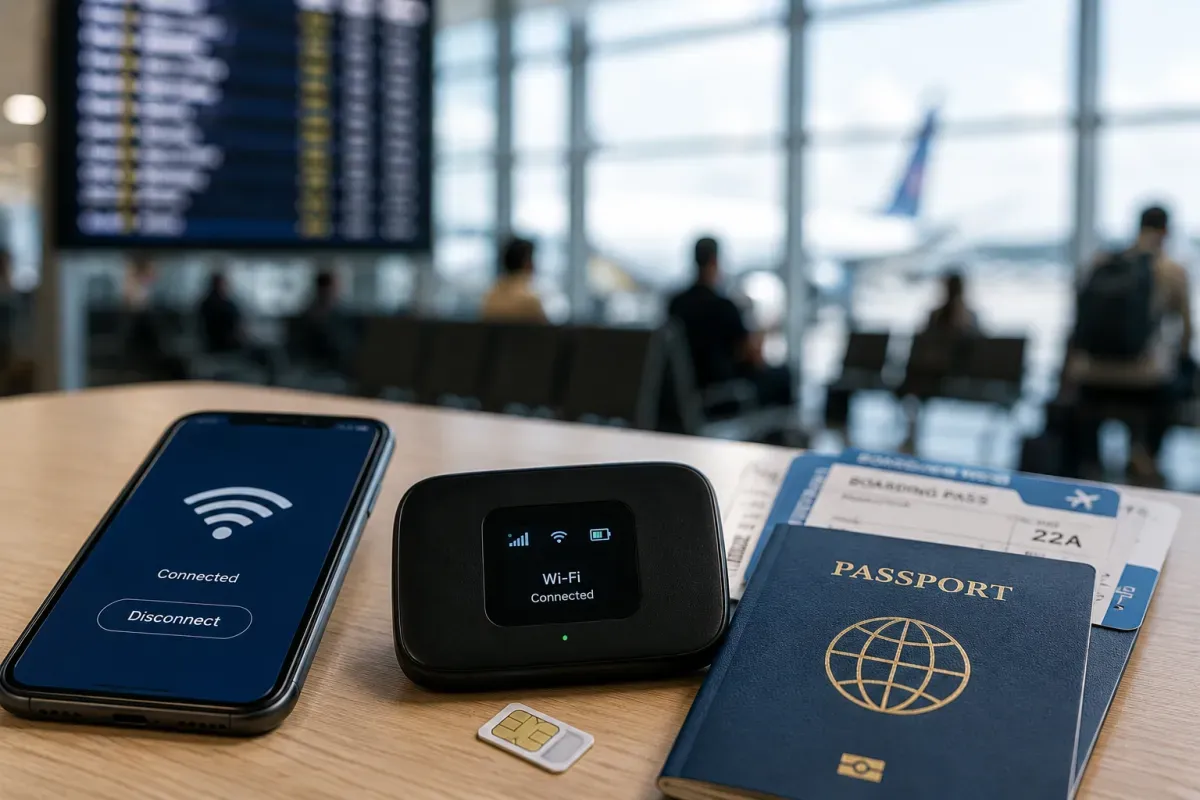
Main networks are Telkomsel (best coverage, including remote islands), Indosat and XL. Buy a prepaid tourist SIM at the airport or an official store; your passport is needed and the SIM/IMEI must be registered, so buy from official outlets rather than random stalls. Telkomsel is the safest bet for wide coverage.
- Networks
- Telkomsel, Indosat, XL
- Registration
- Passport + IMEI
- Coverage
- Telkomsel widest
- Buy from official stores; IMEI registration is required
eSIM & Mobile Wi-Fi
eSIM availability and portable Wi-Fi rental
Travel eSIMs (Airalo, Holafly and others) are convenient and give you data on arrival without a physical SIM. Local carriers also offer eSIM, though activation may still involve passport/IMEI registration. If your phone supports eSIM, set up a travel eSIM before you land for instant connectivity.
- Travel eSIM
- Airalo, Holafly, etc.
- Local
- Carriers offer eSIM
- Set up
- Before landing
- Local eSIM may still need passport/IMEI registration
Wi-Fi Availability
Public Wi-Fi coverage and security
Free Wi-Fi is common at hotels, cafes, malls and airports in tourist areas, though speed and reliability vary. In remote islands and rural areas it can be patchy, so a local SIM or eSIM is more dependable. Avoid sensitive logins on open public networks and use mobile data for banking.
- Where
- Hotels, cafes, malls
- Remote
- Patchy — use mobile
- Security
- Avoid banking on open Wi-Fi
- Mobile data is more dependable than public Wi-Fi
Internet Restrictions & VPN
Blocked services and VPN recommendations
Common global services like Google, WhatsApp, maps and social media generally work. However, the government blocks some content (certain gambling, adult and unregistered platforms), so a few sites or apps may be unavailable. There is no need for a VPN for normal travel use, but some travellers use one for blocked services.
- Global apps
- Generally work
- Blocks
- Some content blocked
- VPN
- Not needed for normal use
- Some gambling/adult/unregistered platforms are blocked
Useful Local Apps
Must-have apps for transport, translation, and maps
Gojek and Grab are essential super-apps for rides (car and motorbike), food delivery and more. Google Maps works well for navigation. Traveloka is popular for flights and hotels. Google Translate helps with Bahasa Indonesia menus and signs. Download and set these up before you arrive.
- Rides
- Gojek, Grab
- Maps
- Google Maps
- Book
- Traveloka
- Google Translate helps with Bahasa Indonesia
International Calls
How to make international calls and alternatives
Indonesia's country code is +62 and mobile numbers start with 08. To call abroad, dial 00 (or the provider prefix) then the country code. The single emergency number is 112. Many travellers rely on WhatsApp and other apps for calls over data, which is cheaper than international voice roaming.
- Country code
- +62
- Outbound
- 00 + country code
- Emergency
- 112
- App calls over data are cheaper than voice roaming