
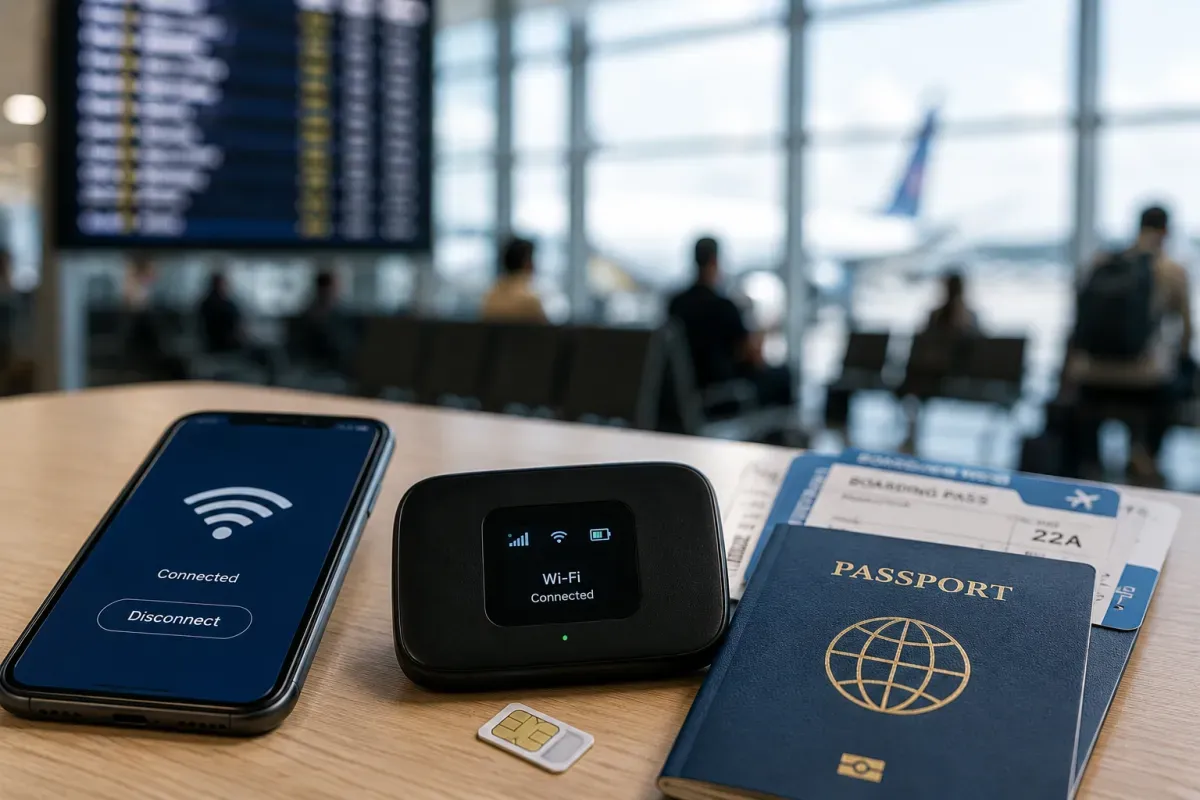
Power & Connectivity (SIM)
Connectivity may vary by region and season.
Voltage & Plug Types
Electrical standards and outlet shapes
New Zealand runs on 230V, 50Hz and uses the Type I plug, the same three angled flat pins as Australia. Bring a Type I adapter if your devices differ. Most phone and laptop chargers handle 230V automatically, but check the label; single-voltage appliances from 110V countries need a converter. Sockets often have an on-off switch you must flick on.
- Voltage
- 230V, 50Hz
- Plug
- Type I
- Tip
- Same as Australia
- Type I: three angled flat pins
- Many sockets have an on-off switch
Buying a SIM Card
Where to buy, costs, and activation process
The main mobile networks are Spark, One NZ and 2degrees. Prepaid tourist SIMs with generous data are sold at airport kiosks, network stores and supermarkets, and are easy to set up with your passport. Coverage is strong in cities and towns but patchy in mountains and remote parks, so download offline maps. The country code is +64.
- Networks
- Spark, One NZ, 2degrees
- Buy at
- Airport, stores
- Code
- +64
- Prepaid tourist SIMs are easy to set up
- Coverage is patchy in remote areas
eSIM & Mobile Wi-Fi
eSIM availability and portable Wi-Fi rental
If your phone supports eSIM, you can buy a New Zealand or regional plan online before you arrive and connect the moment you land, with no physical SIM to swap. Local carriers and international eSIM apps both offer tourist data plans. Check that your phone is unlocked and eSIM-capable first. eSIMs are handy but rely on the same networks, so remote coverage limits still apply.
- Setup
- Before arrival
- Need
- eSIM phone
- Note
- Same coverage
- Connect the moment you land, no SIM swap
- Check your phone is unlocked and eSIM-ready
Wi-Fi Availability
Public Wi-Fi coverage and security
Wi-Fi is common in hotels, cafes, libraries and many public spaces in towns. Some rural lodges and campgrounds have limited or metered connections, and speeds drop the further you go from cities. Free public Wi-Fi is handy but treat it as unsecured, so avoid banking on it. A local SIM or eSIM is the most reliable way to stay connected on the road.
- Common
- Hotels, cafes
- Rural
- Can be limited
- Best
- SIM/eSIM
- Treat public Wi-Fi as unsecured
- A SIM is most reliable on the road
Internet Restrictions & VPN
Blocked services and VPN recommendations
New Zealand has an open internet with no general censorship. Popular apps, social media, messaging and streaming all work normally. A small number of sites, such as those hosting illegal or objectionable content, may be blocked, and some streaming libraries differ by region. You can use a VPN legally, often for security on public Wi-Fi. Overall, staying online works just as at home.
- Access
- Open internet
- Apps
- All work
- VPN
- Legal to use
- No general censorship of common apps
- VPNs are legal and handy on public Wi-Fi
Useful Local Apps
Must-have apps for transport, translation, and maps
Handy apps include Google Maps or Maps.me with offline maps for remote driving, MetService for weather, and Uber in the main cities for rides. AT Mobile helps in Auckland, and CamperMate is popular for campsites, fuel and facilities. Translation is rarely needed as English is spoken, but a maps and weather combo is essential for the outdoors.
- Maps
- Google, Maps.me
- Weather
- MetService
- Travel
- CamperMate
- Download offline maps for remote drives
- CamperMate helps with campsites and fuel
International Calls
How to make international calls and alternatives
New Zealand's country code is +64. To call in, dial +64 then the number without the leading zero. To call abroad from New Zealand, dial 00 then the country code. The single emergency number is 111. Most travellers rely on messaging and voice apps such as WhatsApp over data or Wi-Fi, which is cheaper than international roaming calls.
- Country code
- +64
- Emergency
- 111
- Calls
- Use apps
- Dial +64 then number without leading zero
- Use WhatsApp over data to save money