
ไฟฟ้า・การเชื่อมต่อ・SIM
※ การเชื่อมต่ออาจแตกต่างกันไปตามพื้นที่และฤดูกาล
แรงดันไฟฟ้าและประเภทปลั๊ก
มาตรฐานไฟฟ้าและรูปร่างเต้าเสียบ
จีนใช้ 220V, 50Hz เต้ารับมักรองรับ Type A (แบนแบบสหรัฐฯ), Type C (ยุโรป) และ Type I (ออสเตรเลีย) ดังนั้นอะแดปเตอร์อเนกประสงค์จึงสะดวก
- แรงดัน
- 220V, 50Hz
- ปลั๊ก
- Type A/C/I
- อะแดปเตอร์
- อะแดปเตอร์อเนกประสงค์สะดวก
- เต้ารับโรงแรมมักรองรับหลายแบบ แต่ควรพกอะแดปเตอร์
การซื้อซิมการ์ด
สถานที่ซื้อ ราคา และขั้นตอนการเปิดใช้งาน
มีสามค่าย: China Mobile, China Unicom และ China Telecom ซื้อซิมนักท่องเที่ยวได้ที่เคาน์เตอร์สนามบินด้วยพาสปอร์ต (ลงทะเบียนชื่อจริง) หมายเหตุ: ซิมท้องถิ่นก็ยังอยู่หลังกำแพงไฟ
- ค่ายมือถือ
- Mobile/Unicom/Telecom
- ที่ไหน
- เคาน์เตอร์สนามบิน ร้านค่าย
- ลงทะเบียน
- ต้องใช้พาสปอร์ต/ชื่อจริง
- ซิมท้องถิ่นอย่างเดียวไม่มี VPN เลี่ยงเว็บที่ถูกบล็อกไม่ได้
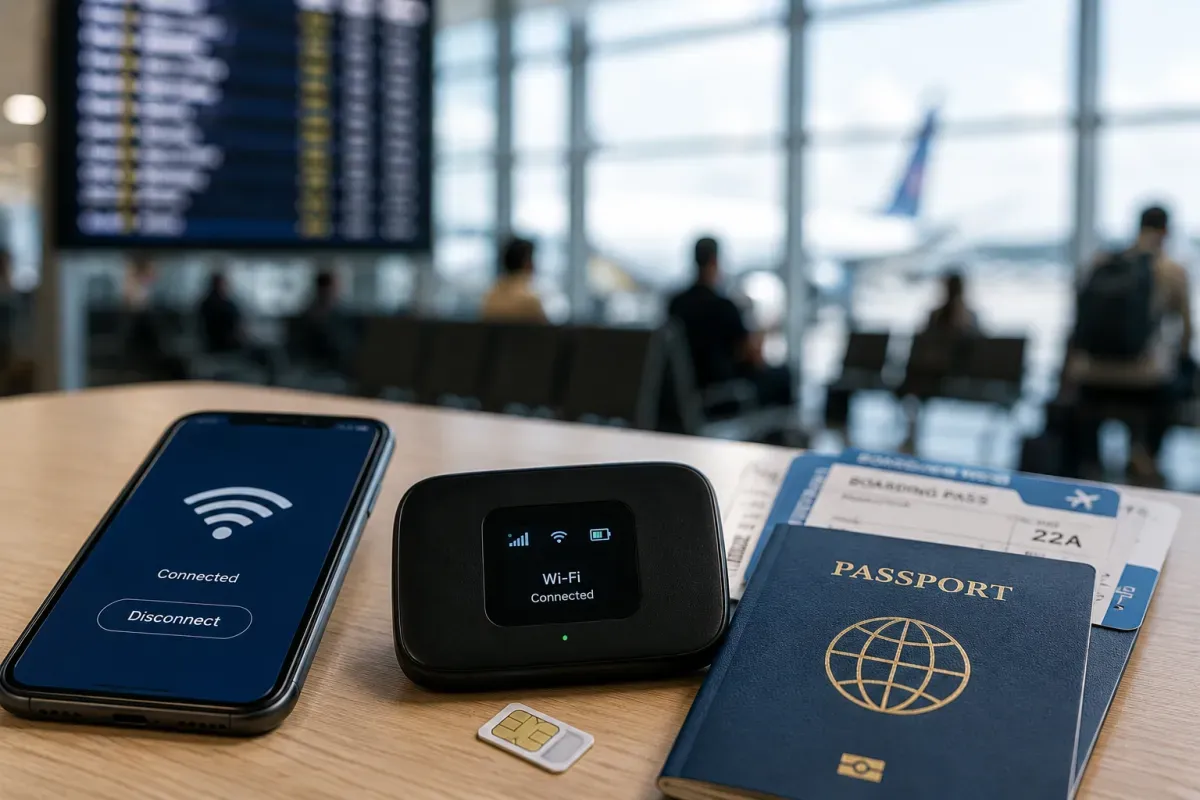
eSIM และ Wi-Fi พกพา
ความพร้อมของ eSIM และบริการเช่า Wi-Fi
eSIM สำหรับท่องเที่ยวเป็นที่นิยมสำหรับจีน เพราะบางแพ็กเกจส่งข้อมูลผ่านเซิร์ฟเวอร์นอกแผ่นดินใหญ่ ให้ใช้อินเทอร์เน็ตแบบเปิดได้โดยไม่ต้องมี VPN แยก ตั้งค่าก่อนมาถึง
- ข้อดี eSIM
- บางแพ็กเกจเลี่ยงไฟร์วอลล์
- ผู้ให้บริการ
- Airalo, Holafly ฯลฯ
- ตั้งค่า
- ติดตั้งและเปิดใช้ก่อนลงเครื่อง
- ตรวจพื้นที่ครอบคลุมและว่ามีอินเทอร์เน็ตแบบเปิดหรือไม่
ความพร้อมของ Wi-Fi
Wi-Fi สาธารณะและความปลอดภัย
Wi-Fi พบได้ทั่วไปในโรงแรม คาเฟ่ และสนามบิน แต่ฮอตสปอตสาธารณะมักต้องใช้เบอร์จีนเพื่อยืนยันผ่าน SMS Wi-Fi ทั้งหมดอยู่หลังกำแพงไฟ
- ที่ไหน
- โรงแรม คาเฟ่ สนามบิน
- ยืนยัน
- มักต้องใช้เบอร์จีน
- ไฟร์วอลล์
- Wi-Fi ถูกบล็อกเช่นกัน
- อินเทอร์เน็ตแบบเปิด พึ่ง eSIM ท่องเที่ยวหรือ VPN ที่ตั้งไว้
ข้อจำกัดอินเทอร์เน็ตและ VPN
บริการที่ถูกบล็อกและคำแนะนำ VPN
"กำแพงไฟ" บล็อก Google, Gmail, Google Maps, YouTube, WhatsApp, Instagram, Facebook, X และอื่นๆ อีกมาก การใช้ VPN อยู่ในพื้นที่สีเทาทางกฎหมายและไม่รับประกันว่าจะใช้ได้ เตรียมก่อนมาถึง
- ถูกบล็อก
- Google, WhatsApp, Instagram, X ฯลฯ
- VPN
- พื้นที่สีเทา; ไม่แน่ว่าใช้ได้
- แผนที่
- ใช้ Amap (เกาเต๋อ) หรือ Baidu Maps
- ตั้งค่า VPN หรือ eSIM ท่องเที่ยวที่เหมาะสมก่อนลงเครื่อง
แอปท้องถิ่นที่มีประโยชน์
แอปที่ต้องมีสำหรับการเดินทาง แปลภาษา และแผนที่
แอปสำคัญ: จ่ายเงินและแชทใช้ Alipay/WeChat, นำทางใช้ Amap (เกาเต๋อ) หรือ Baidu Maps, เรียกรถใช้ DiDi, รถไฟใช้ 12306 หรือ Trip.com, พจนานุกรมอย่าง Pleco
- จ่าย/แชท
- Alipay, WeChat
- แผนที่/เรียกรถ
- Amap/Baidu, DiDi
- รถไฟ
- 12306, Trip.com
- ติดตั้งก่อนลงเครื่องขณะที่ยังดาวน์โหลดแอปได้อิสระ
การโทรระหว่างประเทศ
วิธีโทรระหว่างประเทศและทางเลือกอื่น
รหัสประเทศจีนคือ +86 เบอร์มือถือ 11 หลัก กรณีฉุกเฉินโทร 110 (ตำรวจ), 120 (รถพยาบาล), 119 (ดับเพลิง) การโทรและส่งข้อความใช้ WeChat เป็นหลัก
- รหัสประเทศ
- +86
- เบอร์มือถือ
- 11 หลัก
- ฉุกเฉิน
- 110/120/119
- WhatsApp/Line ถูกบล็อก คนท้องถิ่นโทรผ่าน WeChat