
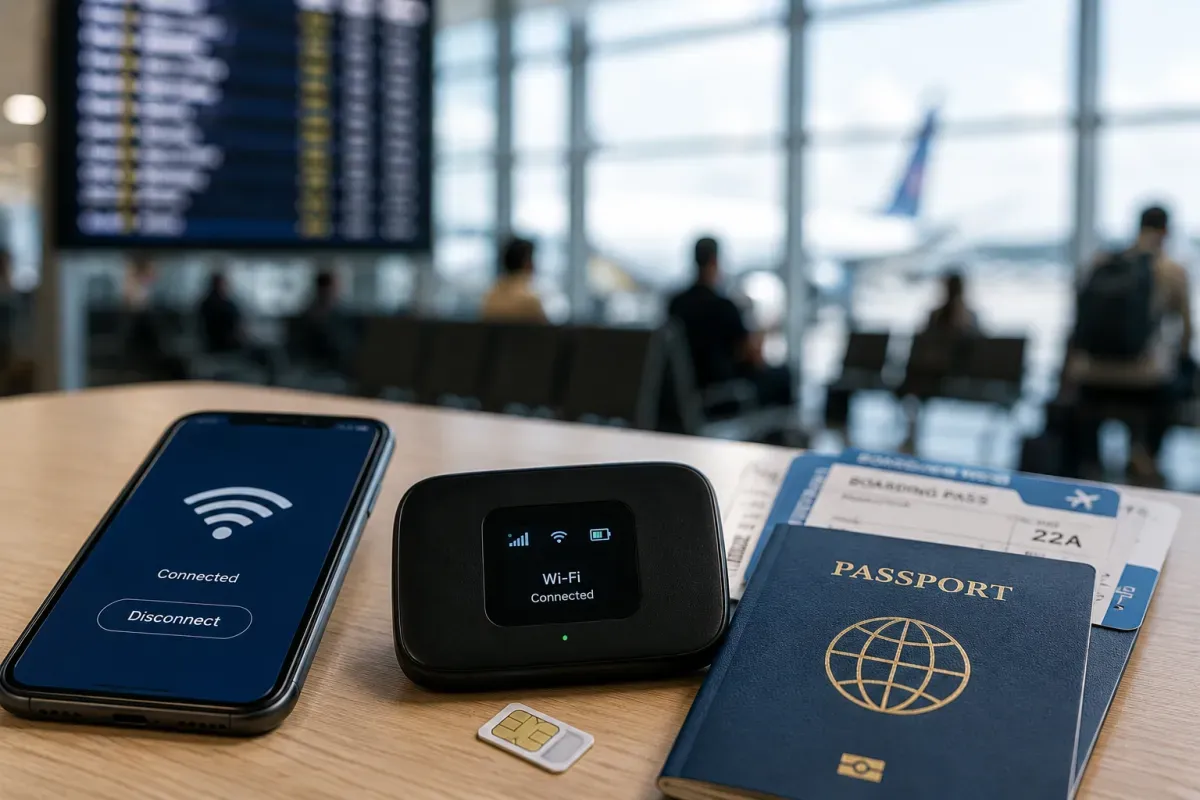
旅行準備指南 · 通訊
電源・通訊・SIM
※ 通訊環境可能因地區和時期而異。
中國為 220V、50Hz。插座常見支援 Type A(美式扁腳)、Type C(歐式)與 Type I(澳式),帶萬用轉接頭較方便。
- 電壓
- 220V、50Hz
- 插頭
- Type A/C/I
- 轉接頭
- 萬用轉接頭方便
- 飯店插座多為多規格,仍建議帶轉接頭
三家電信:中國移動、中國聯通、中國電信。可在機場櫃檯以護照購買旅客 SIM(實名登記)。注意:本地 SIM 仍在防火長城之內。
- 電信
- 移動/聯通/電信
- 地點
- 機場櫃檯、電信門市
- 登記
- 需護照/實名
- 單靠本地 SIM 無 VPN 無法繞過封鎖網站
旅行用 eSIM 在中國很受歡迎,部分方案透過本土以外的伺服器連線,不需另裝 VPN 即可使用開放網路。抵達前先設定好。
- eSIM 優點
- 部分可繞過封鎖
- 供應商
- Airalo、Holafly 等
- 設定
- 落地前安裝並開通
- 確認方案覆蓋範圍與是否提供開放網路
Wi-Fi 在飯店、咖啡店與機場常見,但公共熱點常需中國手機號做簡訊驗證。所有 Wi-Fi 皆在防火長城之內。
- 地點
- 飯店、咖啡店、機場
- 驗證
- 常需中國門號
- 防火牆
- Wi-Fi 同樣受封鎖
- 要開放網路,靠旅行 eSIM 或事先設定的 VPN
「防火長城」封鎖 Google、Gmail、Google 地圖、YouTube、WhatsApp、Instagram、Facebook、X 等眾多服務。使用 VPN 屬法律灰色地帶,不保證可用,請於抵達前準備。
- 封鎖
- Google、WhatsApp、Instagram、X 等
- VPN
- 灰色地帶;未必可用
- 地圖
- 用高德(Amap)或百度地圖
- 請在落地前而非之後設定 VPN 或合適的旅行 eSIM
主要 App:支付與聊天用支付寶/微信,導航用高德(Amap)或百度地圖,叫車用滴滴,火車用 12306 或 Trip.com,字典用 Pleco 等。
- 支付/聊天
- 支付寶、微信
- 地圖/叫車
- 高德/百度、滴滴
- 火車
- 12306、Trip.com
- 趁落地前 App 仍可自由下載時先安裝設定
中國國碼為 +86,手機號 11 位。緊急撥 110(警察)、120(救護)、119(消防)。通話與訊息以微信為主。
- 國碼
- +86
- 手機號
- 11 位
- 緊急
- 110/120/119
- WhatsApp/Line 被封鎖,在地以微信通話