
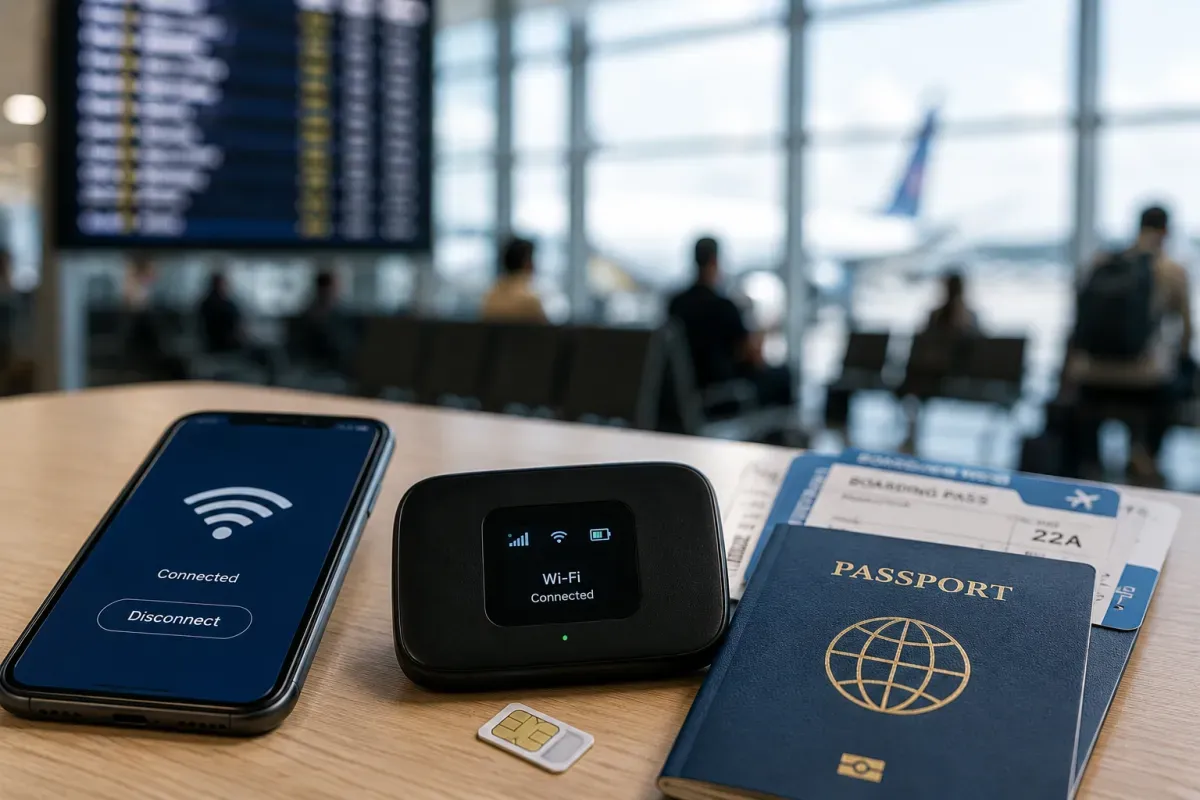
Power & Connectivity (SIM)
Connectivity may vary by region and season.
Voltage & Plug Types
Electrical standards and outlet shapes
Australia uses 230V at 50Hz with the Type I plug (two flat pins in a V-shape plus an earth pin). This is the same as New Zealand but different from most of Asia, Europe and North America, so bring a Type I adapter. Many chargers handle 230V, but check the label on hair dryers.
- Voltage
- 230V / 50Hz
- Plug
- Type I
- Adapter
- Bring a Type I adapter
- Same plug as New Zealand; different from most countries
Buying a SIM Card
Where to buy, costs, and activation process
The main networks are Telstra (best rural coverage), Optus and Vodafone, plus many cheaper resellers on their networks. Prepaid tourist SIMs are easy to buy at the airport, supermarkets and phone shops with ID. Telstra has the widest coverage in remote and outback areas, which matters for road trips.
- Networks
- Telstra, Optus, Vodafone
- Prepaid
- Airport / supermarkets
- Rural
- Telstra best coverage
- For outback road trips, Telstra coverage is widest
eSIM & Mobile Wi-Fi
eSIM availability and portable Wi-Fi rental
eSIMs are widely supported. Travel eSIM providers (Airalo, Holafly and others) let you get data as soon as you land, and the main local carriers also offer eSIM plans. If your phone supports eSIM, this is a convenient, contactless way to stay connected without a physical SIM.
- Travel eSIM
- Airalo, Holafly, etc.
- Local
- Carriers offer eSIM too
- Phone
- Must support eSIM
- Set up before landing for instant connectivity
Wi-Fi Availability
Public Wi-Fi coverage and security
Free Wi-Fi is common at hotels, cafes, libraries, airports and many public spaces in cities. Coverage and speed drop in remote and outback areas, where a mobile plan (Telstra) is more reliable. Avoid sensitive logins on open public networks and use your mobile data for banking.
- Where
- Hotels, cafes, airports
- Remote
- Patchy — use mobile
- Security
- Avoid banking on open Wi-Fi
- In the outback, mobile data beats public Wi-Fi
Internet Restrictions & VPN
Blocked services and VPN recommendations
There is no general internet censorship. Global services like Google, WhatsApp, social media and streaming all work normally, and you do not need a VPN. Some streaming content may be geo-restricted to Australian catalogues. Connections are generally fast and reliable in cities.
- Censorship
- None
- Apps
- All global services work
- Note
- Some geo-restricted streaming
- No VPN needed for normal browsing and apps
Useful Local Apps
Must-have apps for transport, translation, and maps
Google Maps works well for navigation and public transport. Uber, Ola, DiDi and Bolt operate in cities for ride-hailing. City transport apps (like Opal in Sydney) help with tickets and timetables, and the Bureau of Meteorology (BOM) app is handy for weather and fire warnings.
- Maps
- Google Maps
- Rides
- Uber, Ola, DiDi, Bolt
- Weather
- BOM app
- City transit apps help with tickets and timetables
International Calls
How to make international calls and alternatives
Australia's country code is +61 and mobile numbers start with 04. To call abroad, dial 0011 then the country code. The emergency number is 000 (or 112 from a mobile). Many travellers use WhatsApp and other apps for calls over data, which is cheaper than international voice roaming.
- Country code
- +61
- Outbound
- 0011 + country code
- Emergency
- 000 (112 on mobile)
- App calls over data are cheaper than voice roaming