Power & Connectivity (SIM)
Connectivity may vary by region and season.
Voltage & Plug Types
Electrical standards and outlet shapes
Malaysia uses 230V at 50Hz with the Type G plug (the UK-style three flat pins). This is the same as the UK, Singapore and Hong Kong. Bring a Type G adapter if your plugs differ. Most modern chargers handle 230V, but check the label on hair dryers and other appliances.
- Voltage
- 230V / 50Hz
- Plug
- Type G (UK-style)
- Adapter
- Type G if yours differ
- Same plug as the UK, Singapore and Hong Kong
Buying a SIM Card
Where to buy, costs, and activation process
Main networks are Maxis (Hotlink), CelcomDigi and U Mobile, with good 4G/5G coverage in cities and along main routes. Prepaid tourist SIMs are easy to buy at the airport or phone shops with your passport. Coverage thins out in remote parts of Borneo, so check before heading off the main routes.
- Networks
- Maxis, CelcomDigi, U Mobile
- Buy
- Airport / phone shops + passport
- Remote
- Patchy in inland Borneo
- Good coverage in cities; check remote Borneo areas
eSIM & Mobile Wi-Fi
eSIM availability and portable Wi-Fi rental
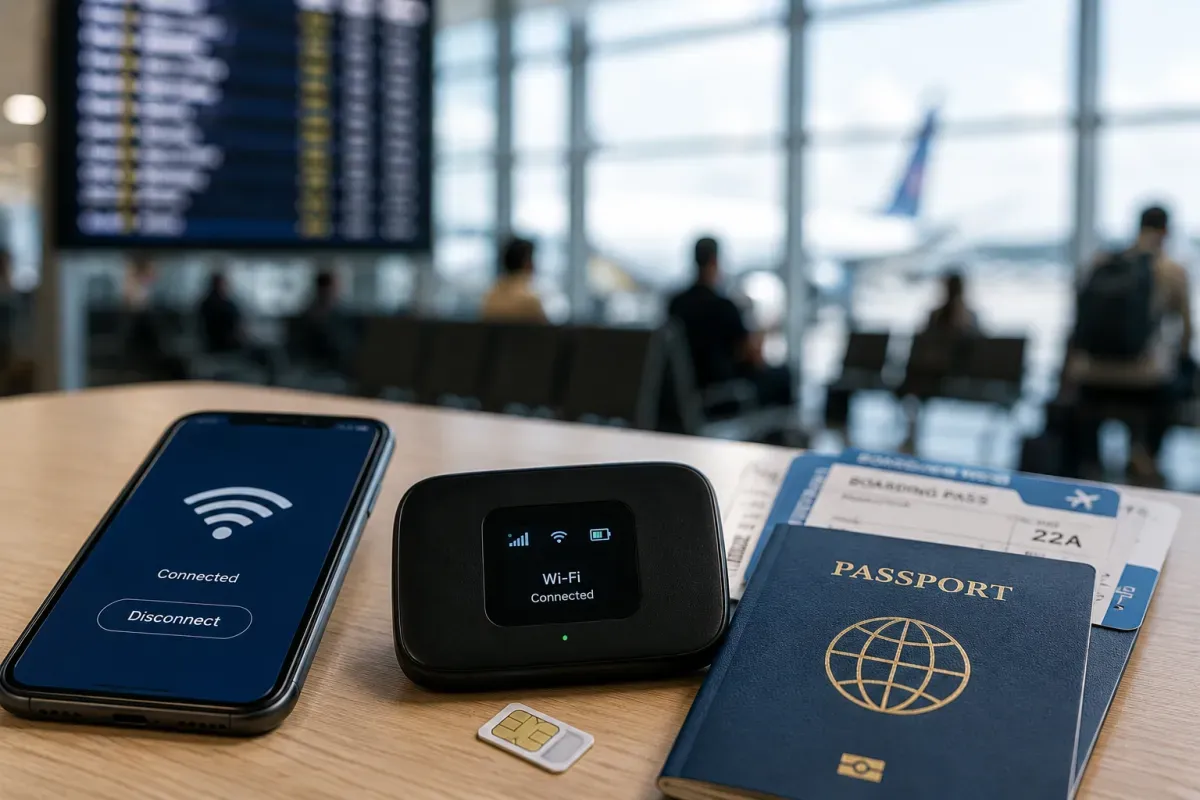
Travel eSIMs (Airalo, Holafly and others) are convenient and give you data on arrival without a physical SIM. Local carriers also offer eSIM plans. If your phone supports eSIM, set up a travel eSIM before you land for instant connectivity, or buy a local plan on arrival with your passport.
- Travel eSIM
- Airalo, Holafly, etc.
- Local
- Carriers offer eSIM
- Set up
- Before landing
- Set up a travel eSIM before landing for instant data
Wi-Fi Availability
Public Wi-Fi coverage and security
Free Wi-Fi is common at hotels, cafes, malls, airports and many restaurants. Speeds are good in cities. In remote areas and inland Borneo it can be limited, so a local SIM or eSIM is more dependable. Avoid sensitive logins on open public networks and use mobile data for banking.
- Where
- Hotels, cafes, malls
- Remote
- Limited — use mobile
- Security
- Avoid banking on open Wi-Fi
- Mobile data is more dependable in remote areas
Internet Restrictions & VPN
Blocked services and VPN recommendations
Common global services like Google, WhatsApp, social media and maps generally work, and you do not need a VPN for normal use. Authorities do block some websites (e.g. certain gambling and content deemed offensive), so a few sites may be unavailable. Be mindful that online posts insulting religion or royalty can have legal consequences.
- Global apps
- Generally work
- Blocks
- Some sites blocked
- Care
- Posts on religion/royalty
- Avoid online insults to religion or royalty
Useful Local Apps
Must-have apps for transport, translation, and maps
Grab is the main app for rides and food delivery. Google Maps works well for navigation and public transport. Moovit and rapidKL apps help with Kuala Lumpur transit, and Touch 'n Go eWallet is used for tolls and transit (though it usually needs a local account). Google Translate helps with Malay signs and menus.
- Rides
- Grab
- Maps
- Google Maps
- Transit
- rapidKL / Moovit
- Touch 'n Go eWallet is common but usually needs a local account
International Calls
How to make international calls and alternatives
Malaysia's country code is +60 and mobile numbers start with 01. To call abroad, dial 00 then the country code. The emergency number is 999 (112 also works from mobiles). Many travellers use WhatsApp and other apps for calls over data, which is cheaper than international voice roaming.
- Country code
- +60
- Outbound
- 00 + country code
- Emergency
- 999 (112 on mobile)
- App calls over data are cheaper than voice roaming