Power & Connectivity (SIM)
Connectivity may vary by region and season.
Voltage & Plug Types
Electrical standards and outlet shapes
The Netherlands uses 230 volts at 50 Hz with Type C and Type F (Schuko) plugs, the same two round pins found across most of continental Europe. Devices from the UK, US or Asia usually need an adapter, and older US electronics may need a voltage converter. Most phone and laptop chargers are dual-voltage, so a simple plug adapter is enough.
- Voltage
- 230V / 50Hz
- Plugs
- Type C and F
- Bring
- EU adapter
- Same plugs as most of continental Europe
- Most chargers are dual-voltage
Buying a SIM Card
Where to buy, costs, and activation process
Prepaid SIM cards are easy to buy from operators like KPN, Vodafone and Odido (formerly T-Mobile), plus supermarkets and phone shops. Bring an unlocked phone and, in some cases, ID for registration. As an EU market, roaming across Europe is often included, so a Dutch or EU SIM works widely. Coverage is excellent nationwide.
- Operators
- KPN, Vodafone, Odido
- Need
- Unlocked phone
- Coverage
- Excellent
- Buy at shops, supermarkets or the airport
- EU roaming is often included
eSIM & Mobile Wi-Fi
eSIM availability and portable Wi-Fi rental
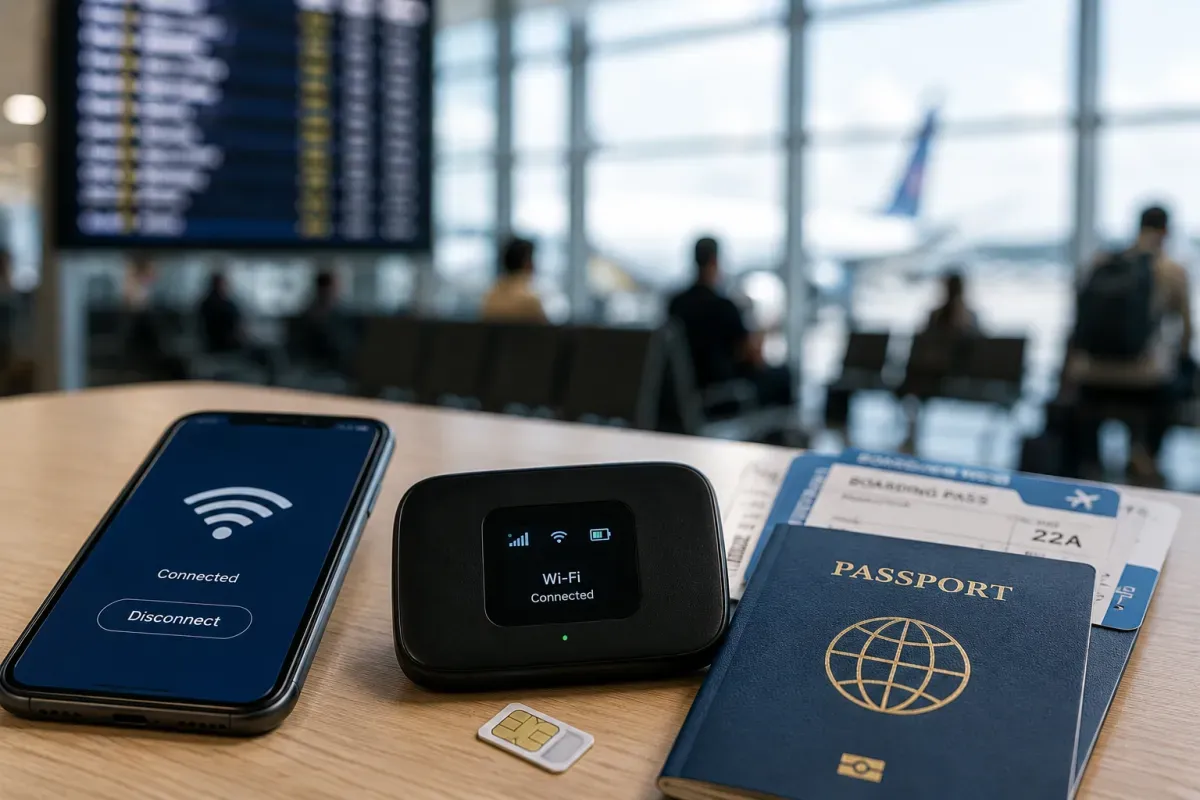
eSIMs are a convenient option for compatible phones. You can buy a Netherlands or Europe-wide travel eSIM online before you arrive and be connected the moment you land, with no physical card to swap. Local operators and international eSIM providers both offer data plans. Check that your phone supports eSIM and is unlocked before purchasing.
- Good for
- eSIM phones
- Buy
- Online in advance
- Check
- Phone compatibility
- Connect the moment you land
- Europe-wide plans are widely available
Wi-Fi Availability
Public Wi-Fi coverage and security
Free Wi-Fi is widely available in hotels, cafes, restaurants, libraries and many public spaces, and trains and stations often have it too. Connections are fast and reliable. For sensitive tasks on open networks, use a VPN. With cheap mobile data and strong coverage, many travellers simply rely on their SIM or eSIM.
- Free Wi-Fi
- Widely available
- Trains
- Often onboard
- Security
- Use a VPN
- Hotels and cafes offer reliable Wi-Fi
- Mobile data is cheap and fast
Internet Restrictions & VPN
Blocked services and VPN recommendations
The internet in the Netherlands is open and unrestricted. Global apps, social media, messaging and streaming all work normally, and there is no state firewall to worry about. Standard laws against illegal content still apply. A VPN is optional, mainly useful for privacy on public Wi-Fi or to access your home streaming library.
- Access
- Open internet
- Apps
- All work
- VPN
- Optional
- No state firewall or app blocking
- VPN is handy on public Wi-Fi
Useful Local Apps
Must-have apps for transport, translation, and maps
A few apps make travel much smoother. The NS app covers national trains, while 9292 plans door-to-door journeys across all Dutch public transport. Google Maps and Citymapper work well in cities, and translation apps help with Dutch signs and menus. For getting around Amsterdam, the GVB app handles local trams, buses and metro.
- Trains
- NS app
- All transit
- 9292
- Amsterdam
- GVB app
- 9292 plans multi-mode journeys
- Maps and translation apps are handy
International Calls
How to make international calls and alternatives
The country code for the Netherlands is +31. To call abroad from a Dutch phone, dial 00 then the country code. For emergencies, 112 works from any phone. Most travellers rely on WhatsApp or other internet calling over data or Wi-Fi, which avoids call charges; an EU SIM keeps costs low if you do use the network.
- Country code
- +31
- Emergency
- 112
- Calls
- Use apps over data
- Dial 00 then country code to call abroad
- WhatsApp calling avoids call charges