
Power & Connectivity (SIM)
Connectivity may vary by region and season.
Voltage & Plug Types
Electrical standards and outlet shapes
The Philippines uses 220V at 60Hz, with plug types A, B and C in common use. The flat two-pin (Type A/B) style is very common, similar to North America, but the higher 220V voltage means US 110V-only devices need a converter. Most phone and laptop chargers are dual-voltage — check the label. Bring a universal adapter.
- Voltage
- 220V / 60Hz
- Plugs
- Type A, B, C
- Tip
- Universal adapter
- US 110V-only devices need a voltage converter at 220V
Buying a SIM Card
Where to buy, costs, and activation process
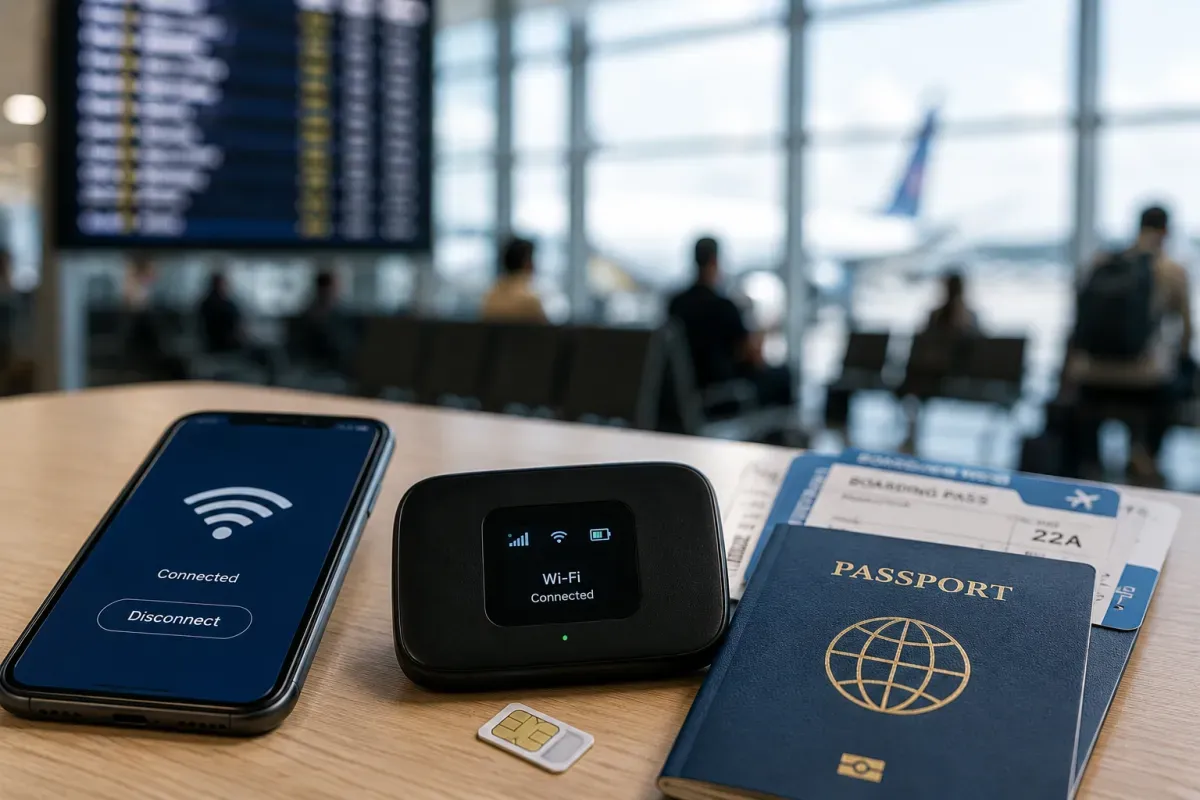
The main networks are Globe and Smart, with tourist SIM/data packs sold at airport counters and shops. SIM registration is required, so bring your passport. Coverage is good in cities and towns but can be patchy on remote islands and at sea. Buy a data pack for maps, messaging and ride-hailing apps.
- Networks
- Globe, Smart
- Registration
- Passport needed
- Coverage
- Patchy on islands
- SIM registration with your passport is required
eSIM & Mobile Wi-Fi
eSIM availability and portable Wi-Fi rental
If your phone supports eSIM, a travel eSIM lets you get online the moment you land, without queuing for a physical SIM or handling registration in person. Buy and install it before departure while you have Wi-Fi. Check your phone is eSIM-compatible and unlocked. eSIMs use the same Globe/Smart networks for coverage.
- Convenience
- Online on arrival
- Setup
- Install before flying
- Check
- eSIM-compatible phone
- Install your travel eSIM before departure over Wi-Fi
Wi-Fi Availability
Public Wi-Fi coverage and security
Hotels, malls, cafés and many restaurants in cities offer Wi-Fi, though speeds vary. On smaller islands and budget stays, Wi-Fi can be slow or unreliable, so a mobile data pack is a good backup. Avoid sensitive logins on open public networks, or use a VPN for extra security.
- Cities
- Widely available
- Islands
- Slow / unreliable
- Security
- VPN on public Wi-Fi
- Keep a mobile data pack as backup on islands
Internet Restrictions & VPN
Blocked services and VPN recommendations
The Philippines has a generally open internet — popular apps, social media, messaging and video services work normally. There is no widespread blocking of everyday travel apps. As anywhere, be mindful of scams and phishing, and use secure connections for banking. The main practical limit is patchy signal on remote islands, not censorship.
- Access
- Generally open
- Apps
- Work normally
- Limit
- Signal, not blocks
- Main limit is coverage on remote islands, not censorship
Useful Local Apps
Must-have apps for transport, translation, and maps
Handy apps include Grab (rides and food), Google Maps, a translation app, and the eTravel site for your arrival declaration. For weather and disasters, PAGASA info helps during typhoon season. GCash/Maya are the local wallets (usually need a local number). Download maps offline before heading to islands with weak signal.
- Rides
- Grab
- Maps
- Google Maps
- Weather
- PAGASA
- Download offline maps before visiting islands
International Calls
How to make international calls and alternatives
The country code is +63. To call abroad from the Philippines dial 00 then the country code. The nationwide emergency number is 911. Most travellers use messaging and calling apps (WhatsApp, Viber, Messenger) over data or Wi-Fi to save on international rates. Save key numbers offline in case of weak signal.
- Country code
- +63
- Emergency
- 911
- Apps
- WhatsApp, Viber
- Dial 00 + country code to call abroad