Power & Connectivity (SIM)
Connectivity may vary by region and season.
Voltage & Plug Types
Electrical standards and outlet shapes
South Africa uses 230V / 50Hz. The main socket is the large three-pin South African Type M, though Type N and Type C are also seen. Bring a travel adapter (a Type M adapter is especially useful), and check that your chargers handle 230V before plugging in.
- Voltage
- 230V / 50Hz
- Sockets
- Type M (also N, C)
- Adapter
- Type M adapter needed
- The large Type M plug is specific to South Africa
Buying a SIM Card
Where to buy, costs, and activation process
The main mobile carriers are Vodacom, MTN, Cell C and Telkom, all offering prepaid plans; Vodacom and MTN generally have the widest reach for travellers. Prepaid SIMs are sold at airports and carrier stores across the country. To meet RICA registration rules you may need to show your passport and proof of a local address, such as your accommodation.
- Carriers
- Vodacom, MTN, Cell C, Telkom
- Where
- Airports, carrier stores
- Required
- Passport, address (RICA)
- Vodacom and MTN have the widest coverage for travellers
- RICA rules may ask for proof of your accommodation address
eSIM & Mobile Wi-Fi
eSIM availability and portable Wi-Fi rental
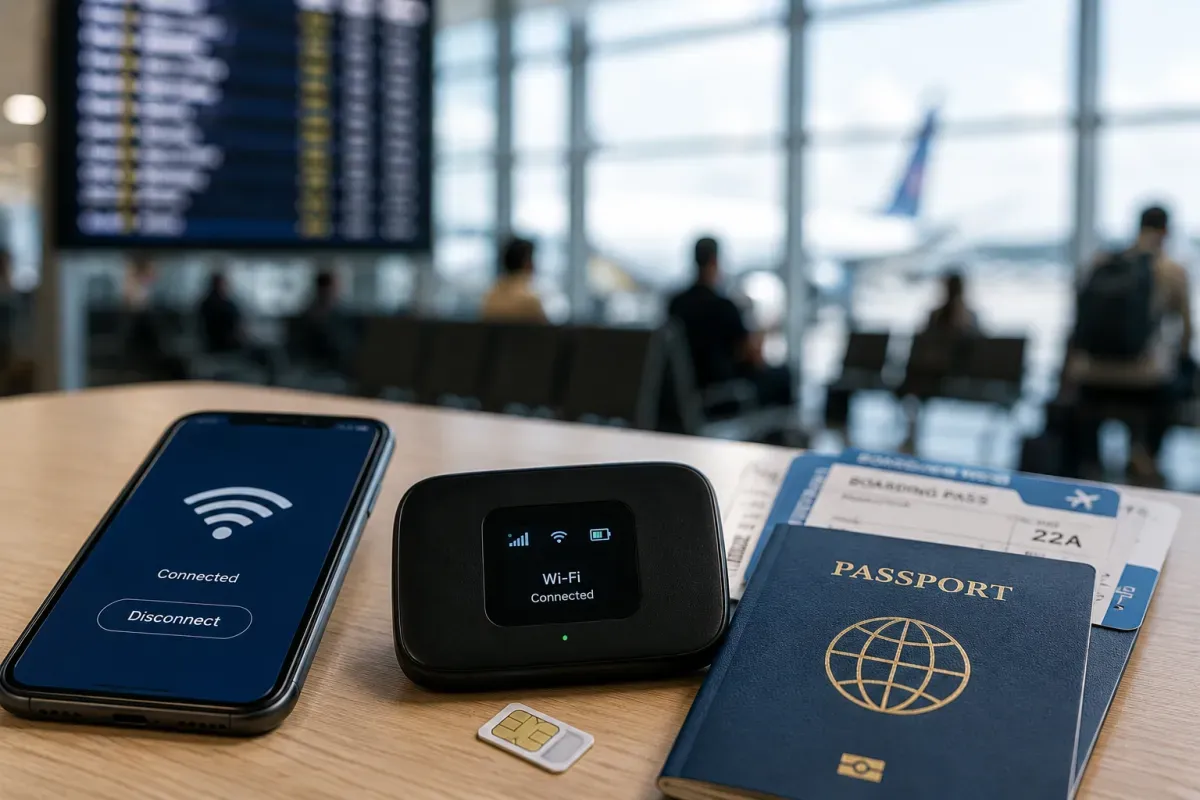
If your device supports eSIM, buying a travel eSIM before arrival is a convenient alternative to a physical SIM, letting you go online as soon as you land without a shop visit. Check that your phone is eSIM-capable and carrier-unlocked, and confirm the plan covers South Africa. A local prepaid SIM remains a good value option too.
- Convenience
- Buy online before arrival
- Setup
- No physical SIM
- Check
- eSIM-capable, unlocked phone
- Confirm the eSIM plan covers South Africa before buying
Wi-Fi Availability
Public Wi-Fi coverage and security
Wi-Fi is widespread at hotels, cafes and shopping malls across South Africa, and most tourist accommodation offers it free. Speeds vary by location and time of day, so a local SIM is a useful backup. In Cape Town and Johannesburg connections are generally more reliable than in remote areas.
- Where
- Hotels, cafes, malls
- Cost
- Usually free at accommodation
- Speed
- Varies by location
- A local SIM is a handy backup when Wi-Fi is slow
Internet Restrictions & VPN
Blocked services and VPN recommendations
South Africa has an open internet with no general restrictions, so common apps, social media and messaging all work normally. Mobile data is mostly 4G/LTE with 5G in Cape Town, Johannesburg and other cities. In rural and safari areas connections can be slower, and power loadshedding can briefly affect networks, so download offline maps before heading into remote regions.
- Access
- Open, no general restrictions
- Network
- 4G/LTE, 5G in cities
- Rural/safari
- Can be slower
- Loadshedding can briefly affect signal; carry offline maps
Useful Local Apps
Must-have apps for transport, translation, and maps
Uber and Bolt are the main ride apps in Cape Town, Johannesburg and other cities, and are handy for safe, metered rides. A maps app for navigation, a translation app and a weather app cover the essentials. A loadshedding schedule app is also useful for planning around power cuts.
- Rides
- Uber, Bolt
- Navigation
- Maps app
- Also
- Translation, weather, loadshedding
- A loadshedding app helps plan around scheduled power cuts
International Calls
How to make international calls and alternatives
South Africa's country code is +27, so add +27 and drop the leading 0 when dialling from abroad. Many travellers use apps like WhatsApp for voice and video calls over data or Wi-Fi. For emergencies, 112 works from any mobile phone (even without airtime), while police is 10111 and ambulance is 10177.
- Country code
- +27
- Apps
- WhatsApp for calls
- Emergency
- 112 (police 10111, ambulance 10177)
- 112 works from any mobile and can reach the right service