旅行準備指南 · 通訊
電源・通訊・SIM
※ 通訊環境可能因地區和時期而異。
日本為100V、A型插頭(兩支扁平插腳)。請攜帶轉接頭並確認裝置支援100V。
- 電壓
- 100V(低於多數國家)
- 頻率
- 50Hz(東日本)/60Hz(西日本)
- 插頭型式
- A型(兩支平行扁腳)
- 手機、筆電充電器多為100〜240V通用,可正常使用
- 220V國家的高瓦數電器(吹風機等)可能效能下降
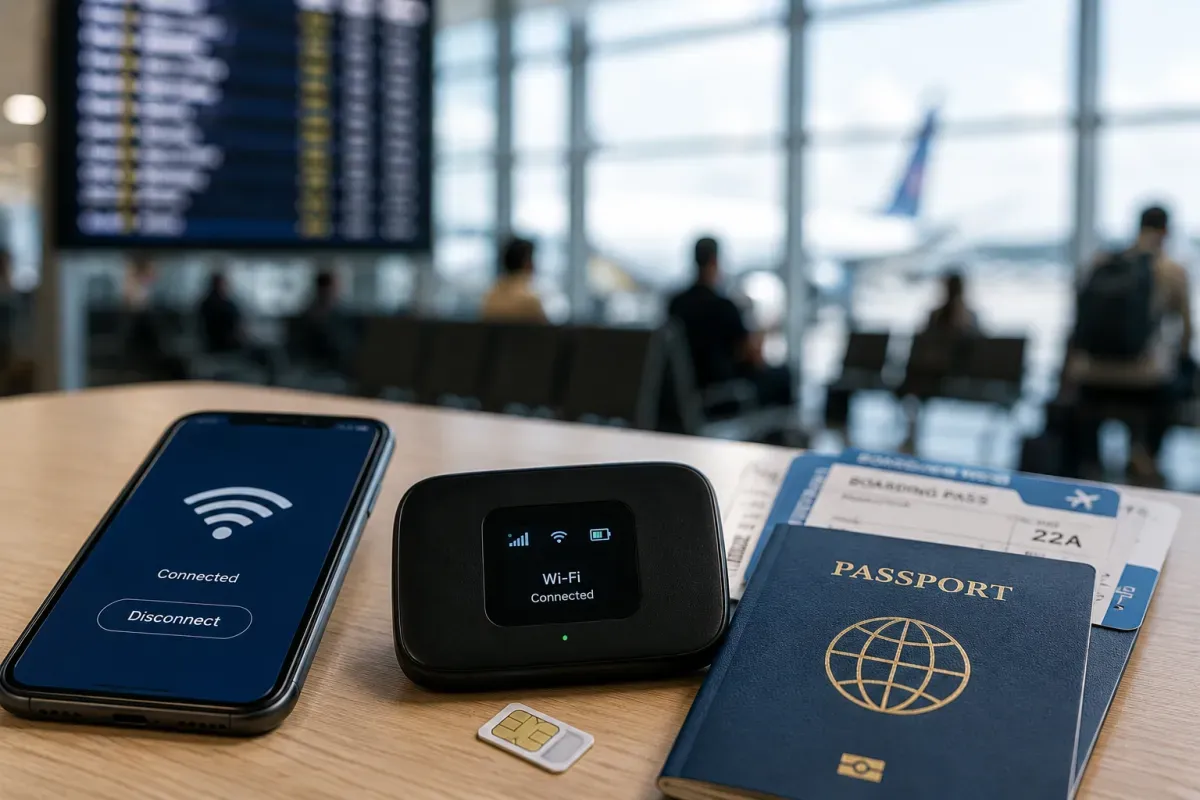
旅客用預付SIM可於機場與電器行購買,多為純數據(無本地電話號碼)。
- 購買地點
- 機場櫃檯、Bic Camera/Yodobashi、自動販賣機
- 類型
- 多為純數據預付;有效期8〜31天
- 條件
- 需無鎖手機;可能需出示護照
- 純數據SIM只提供上網、無一般電話號碼,通話請用App
- 依旅行天數與人數比較SIM/eSIM/口袋Wi-Fi
eSIM最方便:出發前線上購買、掃描QR,抵達即可上網。
- 設定
- 線上購買→出發前設定QR→抵達時啟用
- 業者
- Airalo、Ubigi、Holafly、JW eSIM等
- 條件
- 支援eSIM且無鎖的手機
- 無需領取或歸還實體卡,適合短期旅行
- 購買前請確認手機型號支援eSIM
機場、車站、超商與咖啡廳有免費Wi-Fi,但覆蓋有限。SIM/eSIM或口袋Wi-Fi更可靠。
- 免費Wi-Fi
- 機場、JR車站、星巴克、超商
- 穩定度
- 登入繁瑣且非處處都有,勿單獨依賴
- 口袋Wi-Fi
- 租借機可多人共用;機場取還
- 可用「Japan Connected-free Wi-Fi」等App尋找熱點
- 若需持續連線,個人SIM/eSIM最佳
日本網路自由。無需VPN,常用App與網站皆可正常使用。
- 審查
- 一般使用無審查;社群與通訊皆可用
- VPN
- 瀏覽網站不需要(為隱私可自行使用)
- 串流服務依各家一般地區授權
- 公共Wi-Fi未加密,於開放網路建議使用VPN以確保安全
幾個App讓日本旅行更輕鬆:路線用Google地圖、翻譯App、計程車用GO、防災用Safety Tips。
- 導航
- 路線與月台用Google地圖/轉乘APP
- 翻譯
- Google翻譯(菜單、招牌用相機翻譯)
- 防災與計程車
- Safety Tips(災害速報)、GO(計程車)
- 支付用PayPay(已設定時);交通用Apple/Google Wallet的行動Suica
- 出發前先下載離線地圖與翻譯
多數旅客透過Wi-Fi/數據使用App通話(LINE、WhatsApp)。純數據SIM沒有電話號碼。
- App通話
- 日本以LINE為主流;WhatsApp/Messenger也常見
- 國碼
- 日本為+81;從國外撥打去掉開頭的0
- 緊急
- 警察110、消防/救護119(無SIM數據亦可)
- 純數據SIM/eSIM無法撥打一般語音通話,請用App
- 飯店可協助通話;車站附近仍有公用電話