Power & Connectivity (SIM)
Connectivity may vary by region and season.
Voltage & Plug Types
Electrical standards and outlet shapes
Japan uses 100V and Type A plugs (two flat pins). Bring an adapter and check your device supports 100V.
- Voltage
- 100V (lower than most countries)
- Frequency
- 50Hz (east) / 60Hz (west)
- Plug type
- Type A (two flat parallel pins)
- Most phone/laptop chargers are multi-voltage (100–240V) and work fine
- High-wattage appliances (hair dryers) from 220V countries may underperform
Buying a SIM Card
Where to buy, costs, and activation process
Prepaid tourist SIMs are sold at airports and electronics stores. Most are data-only (no local phone number).
- Where
- Airport counters, Bic Camera/Yodobashi, vending machines
- Type
- Usually data-only prepaid; validity 8–31 days
- Requirement
- An unlocked phone; passport may be needed
- Data-only SIMs give internet but no regular voice number — use app calls
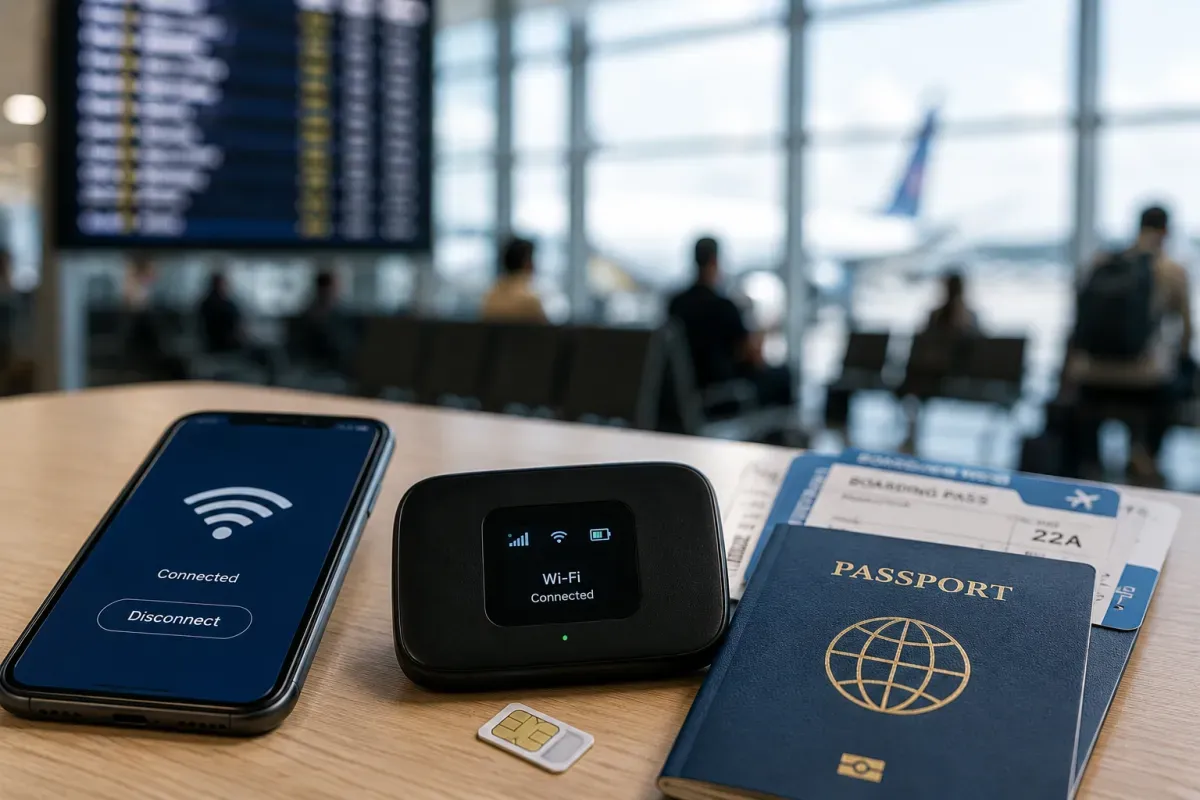
- Compare SIM vs eSIM vs pocket Wi-Fi for your trip length and group size
eSIM & Mobile Wi-Fi
eSIM availability and portable Wi-Fi rental
eSIM is the easiest option: buy online before you fly, scan a QR, and get data the moment you land.
- Setup
- Buy online, install QR before departure, activate on arrival
- Providers
- Airalo, Ubigi, Holafly, JW eSIM and others
- Requirement
- An eSIM-compatible, unlocked phone
- No physical card to pick up or return — good for short trips
- Check your phone model supports eSIM before buying
Wi-Fi Availability
Public Wi-Fi coverage and security
Free Wi-Fi exists at airports, stations, convenience stores and cafés, but coverage is patchy — a SIM/eSIM or pocket Wi-Fi is more reliable.
- Free Wi-Fi
- Airports, JR stations, Starbucks, convenience stores
- Reliability
- Login can be tedious; not everywhere — don't rely on it alone
- Pocket Wi-Fi
- Rental routers cover a group; pick up/return at airports
- Japan Connected-free Wi-Fi and similar apps help find hotspots
- For continuous connection, a personal SIM/eSIM is best
Internet Restrictions & VPN
Blocked services and VPN recommendations
Japan has an open internet. No VPN is required and common apps and sites work normally.
- Censorship
- None for ordinary use; social media and messaging work
- VPN
- Not needed to access sites (you may still use one for privacy)
- Streaming services follow their usual regional licensing
- Public Wi-Fi is unencrypted — use a VPN on open networks for security
Useful Local Apps
Must-have apps for transport, translation, and maps
A few apps make Japan easy: Google Maps for routes, a translation app, GO for taxis, and Safety Tips for alerts.
- Navigation
- Google Maps / Japan Transit Planner for trains and platforms
- Translation
- Google Translate (camera mode for menus/signs)
- Safety & taxi
- Safety Tips (disaster alerts), GO (taxi)
- Payment: PayPay (if set up); transit via mobile Suica in Apple/Google Wallet
- Download offline maps and translations before you travel
International Calls
How to make international calls and alternatives
Most tourists use app calls (LINE, WhatsApp) over Wi-Fi/data. Data-only SIMs have no local number.
- App calls
- LINE is dominant in Japan; WhatsApp/Messenger also common
- Country code
- Japan is +81; drop the leading 0 when calling from abroad
- Emergency
- Police 110, Fire/Ambulance 119 (works without SIM data)
- Data-only SIM/eSIM cannot make normal voice calls — use apps
- Hotels can assist with calls; public phones still exist near stations